Warning! Your devicePixelRatio is not 1 and you have JavaScript disabled!
(Or if this message is not in a red box, your browser doesn't even support basic CSS and you can probably safely ignore this warning.
You'll encounter way more suboptimal things in that case…)
Since HTML is as braindead as it can get, pixel graphics might look off without javashit workarounds.
Try to get a non-HiDPI screen or enable javashit for best results.
Need for Speed 5: Porsche Unleashed (Game Boy Advance)
Created: 1771195621 (2026-02-15T22:47:01Z), 2292 words, ~10 minutes
Tags: review, western, ea, nfs, racing
This post is part of series nfs: 1, 2, 3:HP (W, PS), 4:HS (W, PS, CE), 5:PU (W, PS, GBA), MCO, 6:HP2
(Source)
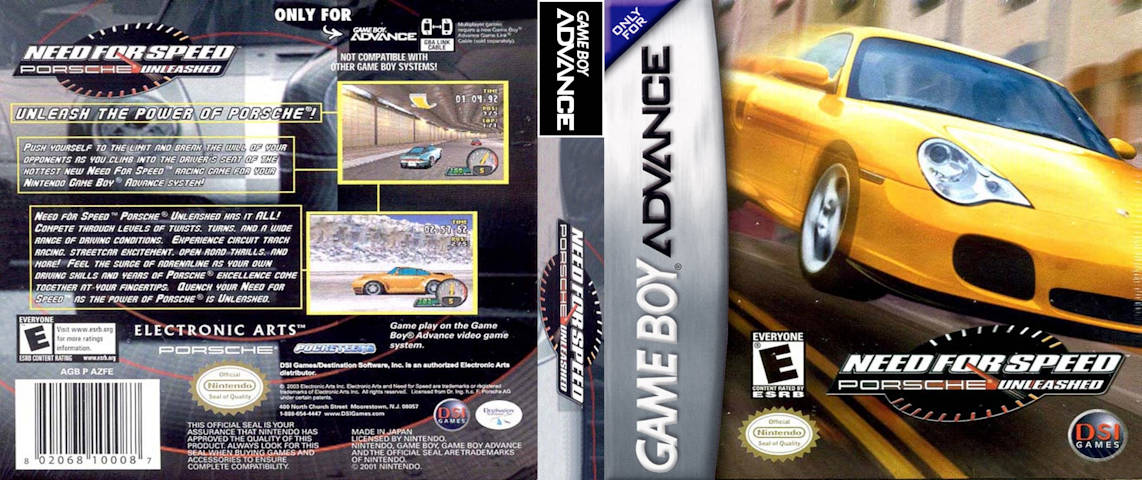
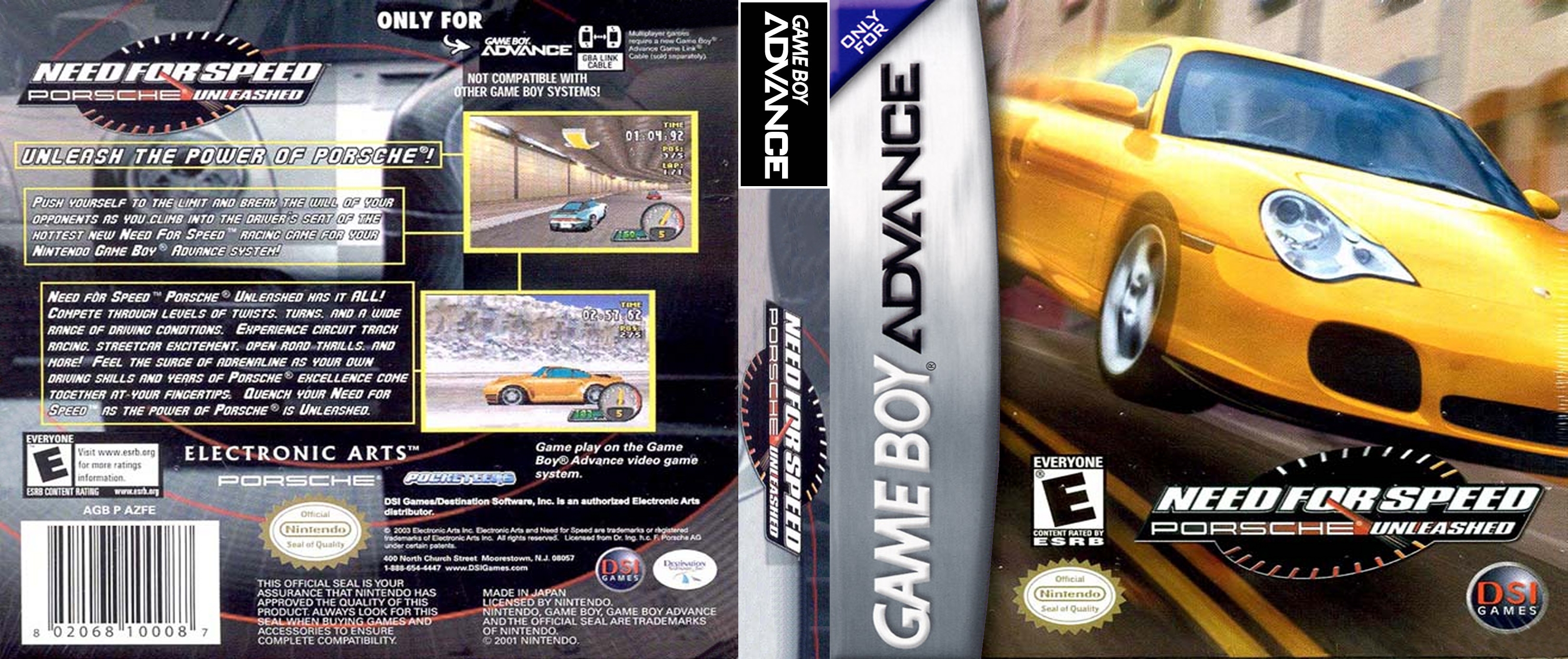
Insanity train, here I come again! Yes, yes, not as insane as the PocketPC version of NFS4, but it definitely takes the second place among the games I reviewed here until now. The year is 2004, and EA decided to release a Game Boy Advance version of NFS5:PU, originally released in 2000 for Windows and PlayStation. What can this 4 MiB beast of provide us? (Yes, 4 MiB altogether. The cover image above in JPG is almost 2 MiB, half the game...) As always, start with the intro "video", but to be honest it's more like a slideshow.
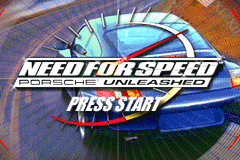
Yes, Game Boy Advance was released more than 6 years later than PlayStation, but it still had inferior specs.
Mobile gaming was a cancer even back then.
But back to the intro, it starts with a rather ugly copyright screen, but at least unlike the PlayStation version, Dr. Ing. h.
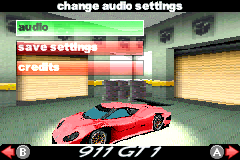
After the logos, at 0:25 it asks the language you want to play the game in. Every. Fucking. Time. And it's not because the game can't save, it's just because. Apparently there are people whose job is to annoy other people as much as possible. Afterwards you get a NFS logo which resembles the Windows logo somewhat, then you're thrown into the main menu. Yes, this game has a fetish for pink Porsches.
Gameplay#
I don't even know where to start. This game is based on the Windows version of NFS5, so it resembles it more, but it's so dumbed down, it's practically a third game with the same name. You have two major game modes here, single player and evolution (and multiplayer, but I can't play it alone). Notice factory driver is missing, hell yeah. But even evolution mode is highly different, to be honest it's probably shorter to write what it is than trying to list the differences. It's a list of tournaments, and you have to complete them in order using one of the provided cars. That's it. No garage, no repair bills, heck, not even money. Your customization options are the color of the car (which usually defaults to the ugliest color in the game), and if you want manual or auto transmission. You have to win a tournament to advance to the next one, and once you advanced, there's no going back. You can't back even in the era, or more exactly, there are no years or eras to begin with. The only things resembling the eras are the length of the tournaments: in classic era they consist of a single race, in golden era 2 races, and in modern era 3 races. Otherwise you just have a completely linear gameplay. (And the worst thing, after finishing evolution mode, you'll just get a congratulations screen, and you can't do anything more, like the factory driver mode on Windows...)
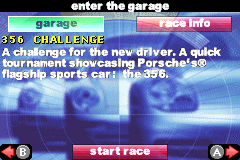
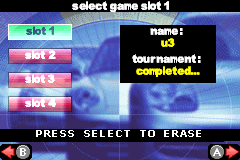
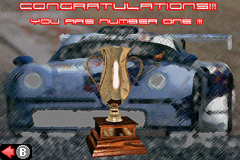
You have 5 profiles or save slots in evolution mode, and it auto saves just like the Windows version. And if you're playing on a physical GBA, the saves are stored on the game card, so you can't do anything about this bullshit system. If you want to replay a tournament, you have to restart the whole game from the beginning. Ridiculous. (Of course, if you're playing in an emulator there are ways around it, like I did. Just watch out if you're using mgba, it doesn't save your changes to the host file system until you exit mgba or do a save state.)
What about races? Let's start with a video.
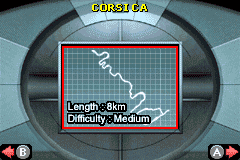
(And mandatory timing analysis, post race summary shows 4:00.
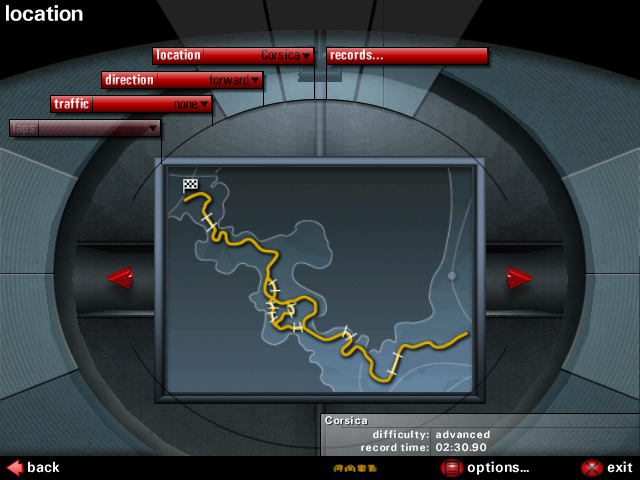
Before start, we get a map of the race. Already better than the PlayStation version! The game has a few tracks from the Windows version, but they're very rough approximations. I mean, this is how the map of the Corsica map shown in the video above looks in the Windows version:
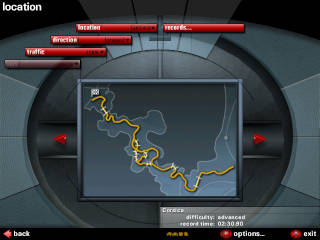
Then a few seconds later, more news await.
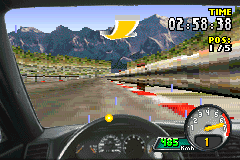
Cockpit camera!
Well, the instruments doesn't work, and every car in this game has the same interior, but hey, still something the 156 times as big PlayStation version doesn't have.
Or the ability to look at the left or right, GBA version has it.
You can change the speed units to km/
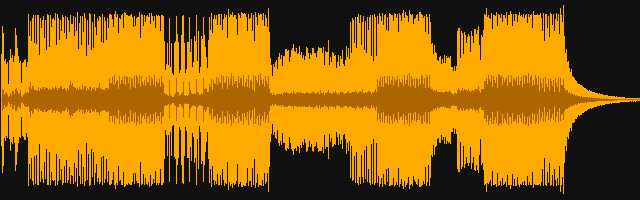
Now, onto the worse parts. Sound quality is pretty bad, but from what I've read on the internets, most GBA games sound pretty crap. This game has a few music tracks from the Windows version, even though sometimes you have to pay attention to notice it. Like, the music used in the video above sounds this in the Windows version:
The second problem is, driving your car.
The low resolution makes it really hard to tell what's going on in front of you many times, expect to crash into the walls many times just because you don't see the wall coming.
NFS4CE had horrible controls, but there at least the track were clearly visible.
Here you have a lot of times when the road, the houses and the walls around the track all have just a slightly different shade of the same yellowish-grayish color.
A very bad idea when you have a whopping 240x160 resolution and no shading.
One thing I figured out what helps somewhat if you're playing it in an emulator: no matter how tempting it might be to put the emulator fullscreen on your big display, don't do it!
This GBA thing in RL has a 7.
There are some "navigation" arrows at the top of the screen, but they're useless. First, when they appear it means the turn is anywhere between the next 5 centimeters and 5 kilometers. Second, the color and shape are probably supposed to represent the severity of the bends, but in reality it's all over the place. Sometimes those red turns are more gentle than the gentlest yellow turns. Sometimes you have a gentle right turn then a immediately after a harder left, and this time you only get to see the left turn's indicator when it's already too late. In short, it doesn't help you much.
Another problem with the game, is physics. If you crash into something, you just bounce back. This makes pushing the opponents from behind a very bad idea, as it will just slow you down a lot while speed them up. It also means you need some getting used to how to corner. And the answer is actually way simpler than I expected: don't break. Don't break anywhere except a few 90° turns on the maps, just let the car bounce back from the wall on the side of the road. And while I'm at the topic of walls, this game is full of hidden walls like the original NFS, except without the huge penalties of hitting them. So go ahead, play it like a pinball game!
Below is a nice demonstration of this, using the Moby Dick car, which has a peculiar bug. If you change to manual gears, and leave it in gear 1, it will keep accelerating infinitely (or at least until you hit something). One problem is if you enable manual gears, because GBA only has a few buttons, you lose the ability to look around, as the buttons used to look around become gear shift buttons. The bigger problem is I couldn't find a way to reverse. With automatic transmission, you just press break, and eventually it will reverse like in any other game. With manual, break just means break, but you can't switch to reverse gears either, or at least I didn't figure it out how. I can go from 1 up to 4, then back to 1, but there seems no way to change to reverse. Don't fuck up the race and plant your car into the wall head on, because then you're fucked, as you can't reverse, and there's no reset button either. Also, after finishing a race you can't restart it, but during the race you can exit it, and start it again, to effectively restart the game. ¯\_(ツ)_/¯
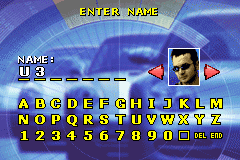
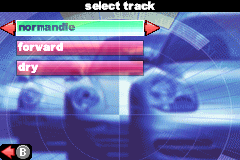
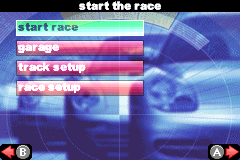
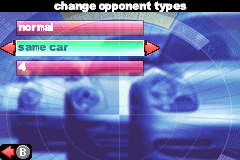
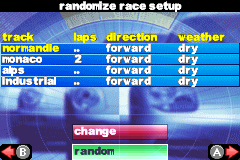
About single player, I won't write much as I only checked this mode superficially. You have quick race, quick knockout and knockout, and they're basically the same as the Windows version. You can select your car, the track, conditions, except the number of laps on the Monaco track... already more options than what the PlayStation version has. Quick knockout can only be done on the Monaco track, as this version only has a single Monaco track. In knockout mode, you have a full spreadsheet to edit the tracks and the conditions (and lap count, for some unexplainable reasons). Much improve, so amaze, wow. The only weird feature I found here is if in knockout mode you set opponent cars to random, it will actually randomize opponent cars before each race. So for example if in the race before the last you came in second behind a good car, on the last race there's a high chance you'll race against a bad car.
Technical shit#
Pretty simple, despite I never tried to emulate GBA before.
Emulation General Wiki recommended me mgba, so I tried it.
First time I launched it, I only got a black screen though.
mGBA FAQ recommended me to change top OpenGL 1.gles2 but without gles3 USE-flag.
Removing the gles2 USE-flag fixed the black screen, but also made the shaders menu completely disappear—I guess in this case it was built only with OpenGL 1 support.
Enabling gles3 USE-flag also fixed the problem, while being able to use shaders.
So on Gentoo, if you get a black screen, check your OpenGL related USE-flags.
Then in mgba, under Tools->Settings, I've changed a few settings.
Audio/gbc-colors.shader, which is supposed to make the colors more like on the original GBA, but it just made colors more washed out (even though it makes the car's colors look less ridiculous!), and it was already hard enough to see the corners, so in the end I didn't end up using any shaders.
It was worth spending a lot of time on figuring out how to get them working, right?!
Conclusion#
I'd say, that's it for classic NFS games. I haven't checked out the PlayStation version of NFS2 (or the non-SE version on Windows), but from what I've read on the net, the PS version is essentially the same as the non-SE Windows version, and the SE version is more-or-less just NFS2 with some additions. I don't feel like there's a lot of value checking these versions out, but I might if I have too much free time (unlikely). Now, NFS1 on the other hand has a lot of variations on various consoles and highly modified Japanese releases, but honestly I don't feel like touching it again. And I don't really consider NFS6:HP2 to be part of the classic NFS games (no longer developed by EA Canada, no cockpit cam even in the Windows version, menus are no longer 640x480, multiple tracks on a location for real now as a preparation for open world, etc.).