Warning! Your devicePixelRatio is not 1 and you have JavaScript disabled!
(Or if this message is not in a red box, your browser doesn't even support basic CSS and you can probably safely ignore this warning.
You'll encounter way more suboptimal things in that case…)
Since HTML is as braindead as it can get, pixel graphics might look off without javashit workarounds.
Try to get a non-HiDPI screen or enable javashit for best results.
Need for Speed 6: Hot Pursuit 2 (Windows)
Created: 1734985690 (2024-12-23T20:28:10Z), 7558 words, ~32 minutes
Tags: review, western, ea, nfs, racing
This post is part of series nfs: 1, 2, 3:HP (W, PS), 4:HS (W, PS, CE), 5:PU (W, PS, GBA), MCO, 6:HP2
If I could give a subtitle for this post, it would be "A dawn of a new era". But before this post it never occurred to me to have subtitles, and I don't feel like implementing it for just this post... Anyway, another favorite NFS game, having the title Need for Speed: Hot Pursuit 2 (or Need for Speed : Poursuite infernale 2 in France), the 6th game in the series... also where numbering starts to break down. It's HP2, to signify it is a spiritual successor to NFS3 which had the subtitle of Hot Pursuit, while being the 6th mainline game in the series.
Let's start with the intro as usual.
And, I have no idea what the devs were smoking when they made this.
The positive aspects are: 30 FPS (MCO was already 30 FPS, but NFS5 was still 15 FPS), and finally resolutions larger than 320x240.
Now, onto the not so positive ones.
The first part of the intro, the EA logo, has a resolution of 720x496, with an aspect ratio of 45:31.
The closest common aspect ratio is 1.
Then we get a loading screen, except without a loading text.
You can't skip it, it will just disappear after a while.
Then you get to the actual intro, with a resolution of 640x448, with an aspect ratio of 10:7, almost matching IMAX's 1.
Now, about the contents. First, new year, so new EA logo again, with the Challenge Everything catchphrase. At least it's not Microtransaction Everything. Yet. Unlike the previous logos, this logo will stay with us for a while.
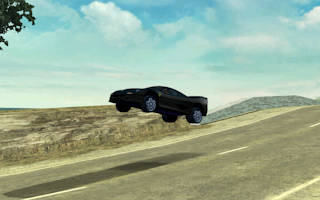
Onto the actual intro, starting around 0:13, starting with a Ferrari in an intersection with traffic lights. Then you have a few random samples from the upcoming intro, at 0:19, you can see the Lamborghini police car with mirrored license plate... Also, we're back to the NFS2 theme with two cars racing head-to-head, except we have some police now. The track is made up as usual, but at least the general theme now matches the game. At 0:34, we see the red car taking a shortcut—true, HP2 has shortcuts and multiple possible paths. Not as wild as NFS5's multi path tracks, though. Roadblock at 0:43, just as in NFS4's intro, it's way exaggerated. You usually get like two police cars parking, and none of those wooden barriers. Lies, lies everywhere. And the big crash between the police cars afterward—I don't think you'll have more than 4 police cars on screen at any point in the game. At 0:59, it goes hitting the poles at the side of the track again—but this time hitting them too! Every intro since NFS4 have poles like this, and none of the games. For fuck's sake! 1:09: working mirrors. Haha, no, not in 2002 with DirectX 8. And bullet time at 1:23. The game indeed slows down time a bit and changes to an outside camera when you go flying long enough, but time never actually stops. Also, no one told the 3D artists sunlight won't make such hard shadows!? Then the logo fades in, except the ™ mark. That just pops in. Apparently I've been writing Need for Speed™ wrong all the time. Whatever.
The game#
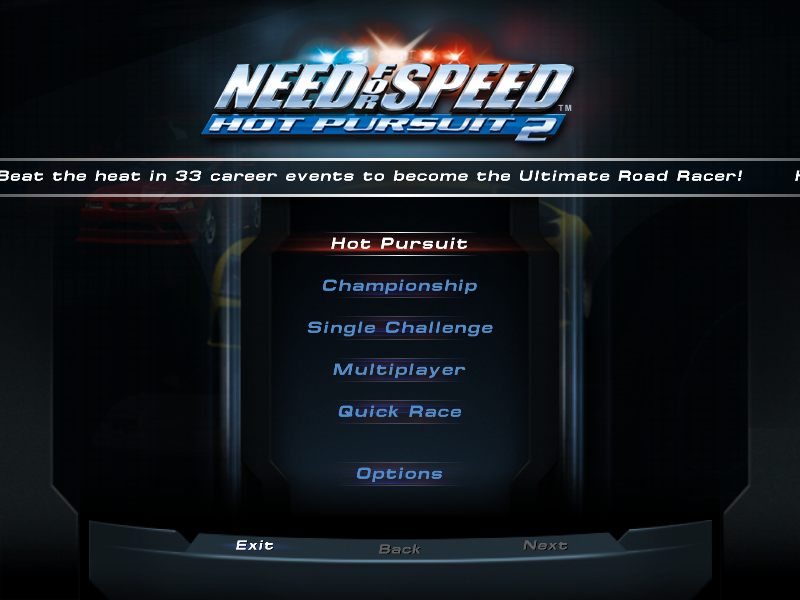
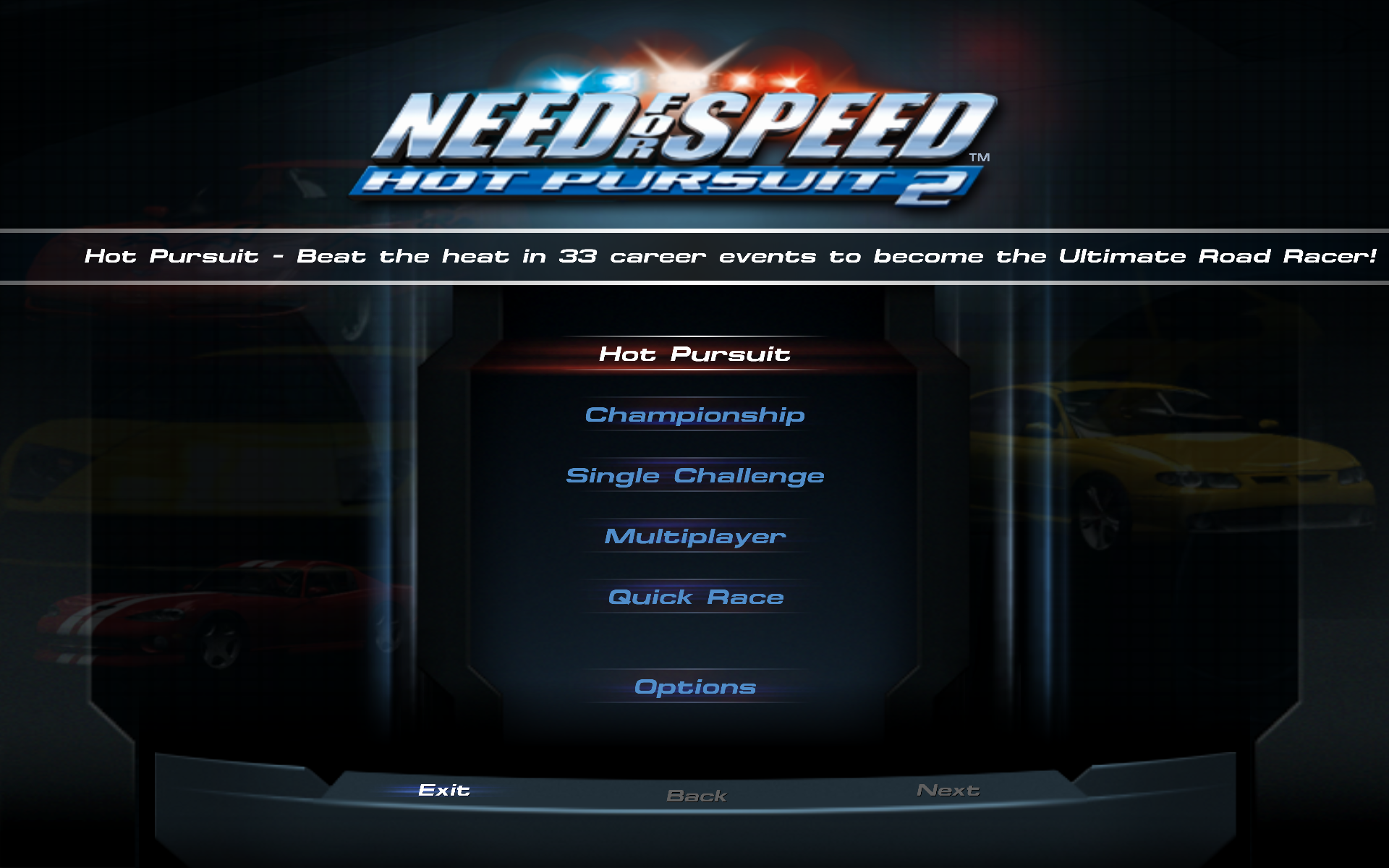
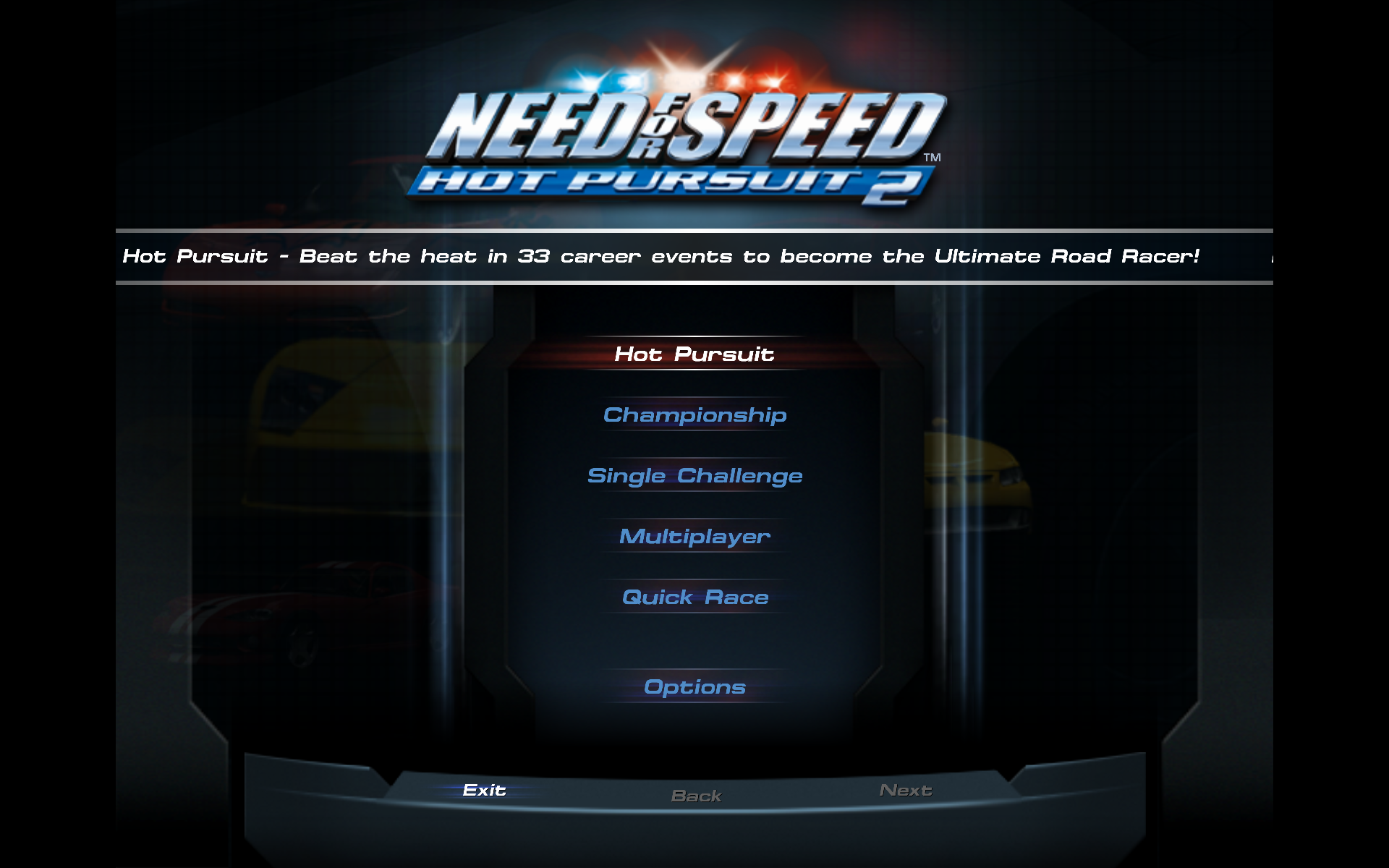
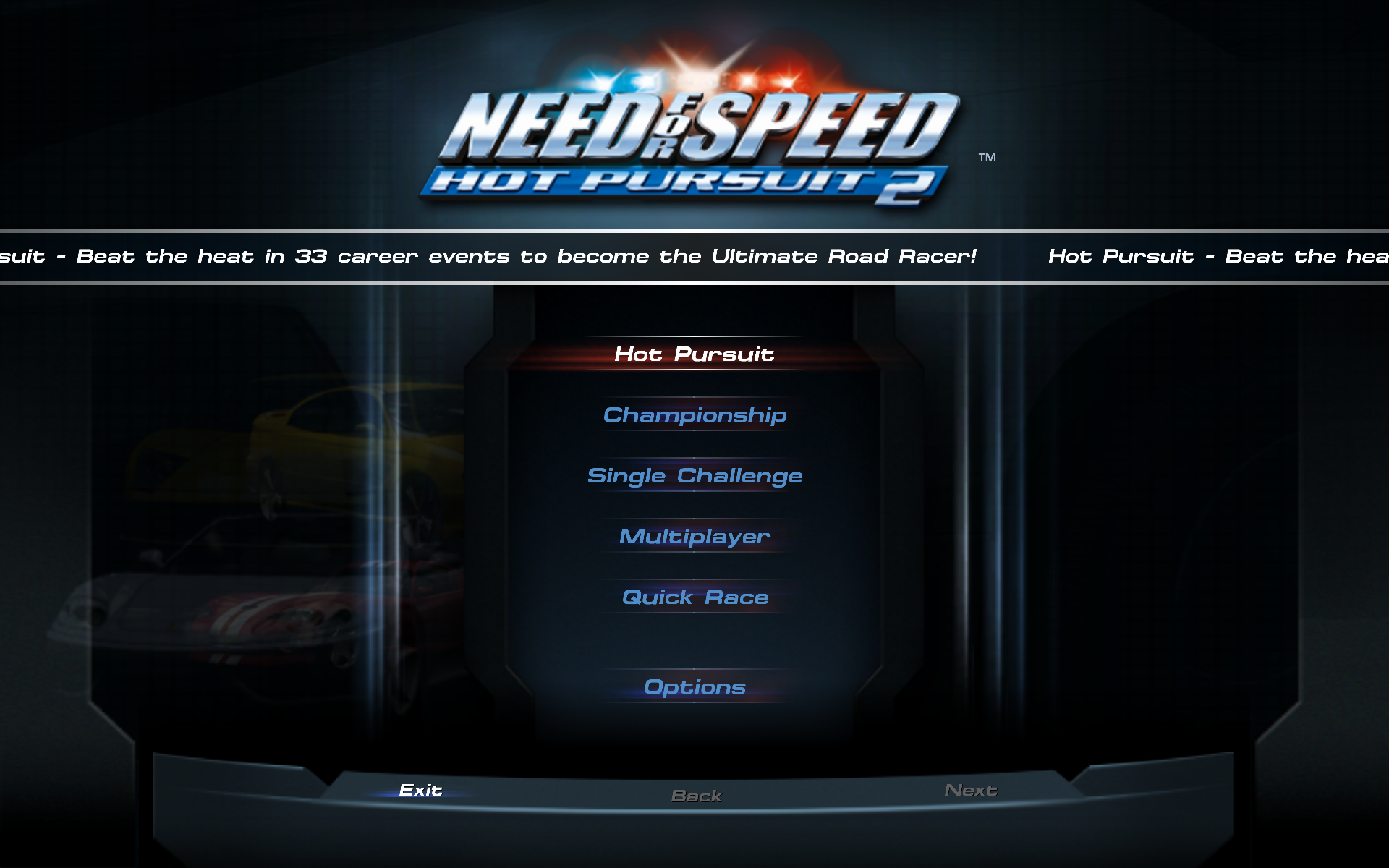
After the intro, you end up in the main menu. As I hinted in the previous section, it's no longer in the glorious 640x480 resolution, but in the meh 800x600. Who used it anyway? 640x480, 1024x768, 1280x1024, etc. I get, but 800x600? Why? Also, you'll get your standard (Windows) cursor in the menu. I think the first and last NFS game to do it. At least it won't lag.
Anyway, in contrast to NFS4 and 5, 6/
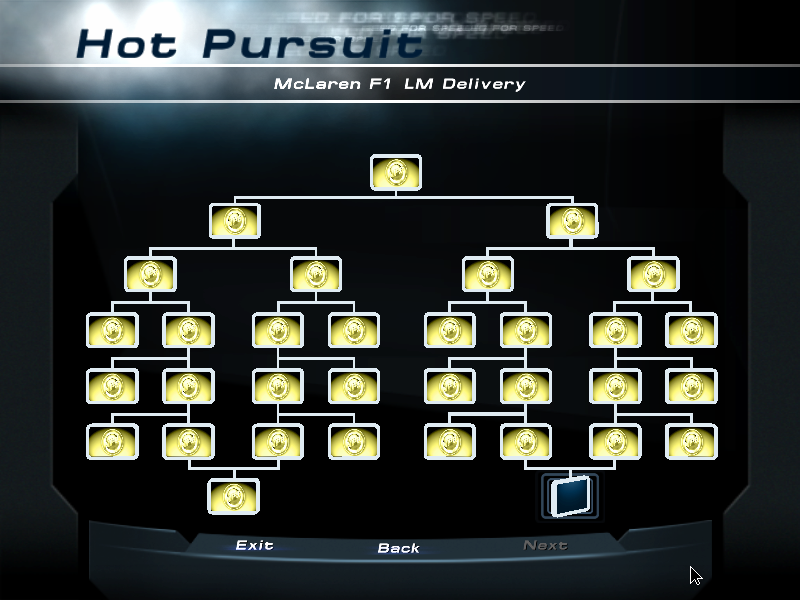
How you unlock cars and tracks were also changed.
In previous games, except NFS3 and 4, you didn't even see in the menus anywhere you have unlockable items, you only learned about their existence after you unlocked them.
And even in 3/
Beside these non-career modes, you have Single Challenge where you can set up all the parameters to the race to your liking. I didn't check Multiplayer, not sure if it works at all, as it relied on GameSpy. Direct IP connections could probably still work. Finally, you have a very handy button on the main menu, called Quick Race. Clicking on it will start a single race on a randomly selected (and unlocked) track and car (2 laps, unless sprint race). My main problem with this mode is you can't set difficulty, I think it will always use easy difficulty, and the opponents are piss poor there.
Both in the challenge tree modes, and in single challenge mode, you have a few different race types. Most types are available at both places, the difference is in challenge modes you can only select your car from a predefined list, while in single challenge mode you can set all parameters.
Single Race: a single race on a selected track, with or without police and traffic. You can race against one opponent or full grid (it means 5 in single challenge, in challenges you sometimes have different numbers) (and no, you can't select zero).
Be the Cop: you're the cop now, and you have to stop speeding vehicles.
Compared to NFS3/
Lap Knockout: the new style knockout from NFS5—each lap, the last racer is eliminated. But unlike NFS5, eliminated players don't remain on the track. Also, in single challenge mode, you can select the number of opponents between 1 and 5, not just 1 or full grid as with single race.
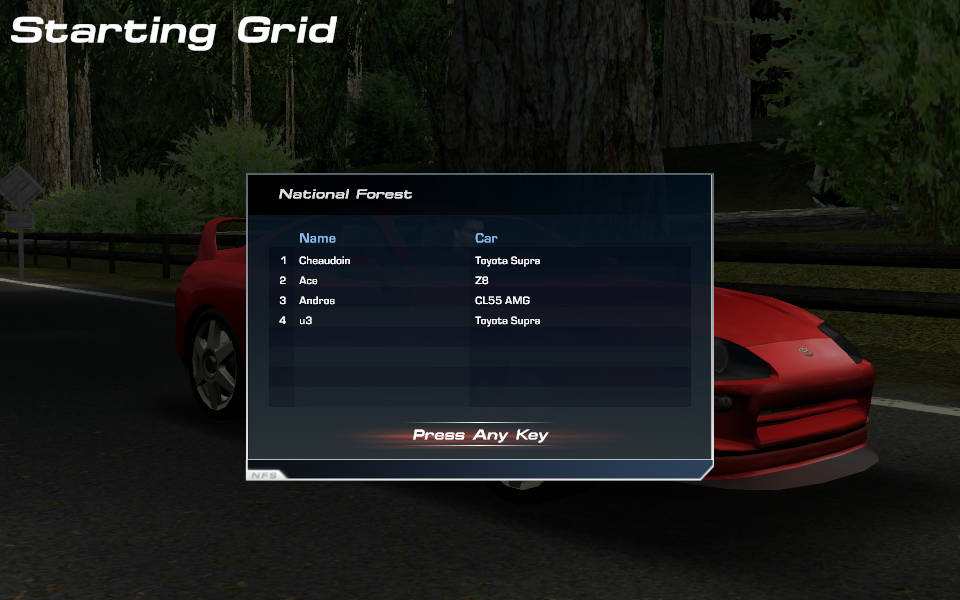
(Mods used: track: Realistic Parkland 3.
Tournament: a series of races, collect points, at the end the racer with the most points win. The first place get 8 points, the second 7, etc. In single challenge mode, you can select up to 8 races, similar to how it looked like in NFS5.
Free Run: only available in single challenge mode.
You can toggle traffic on/
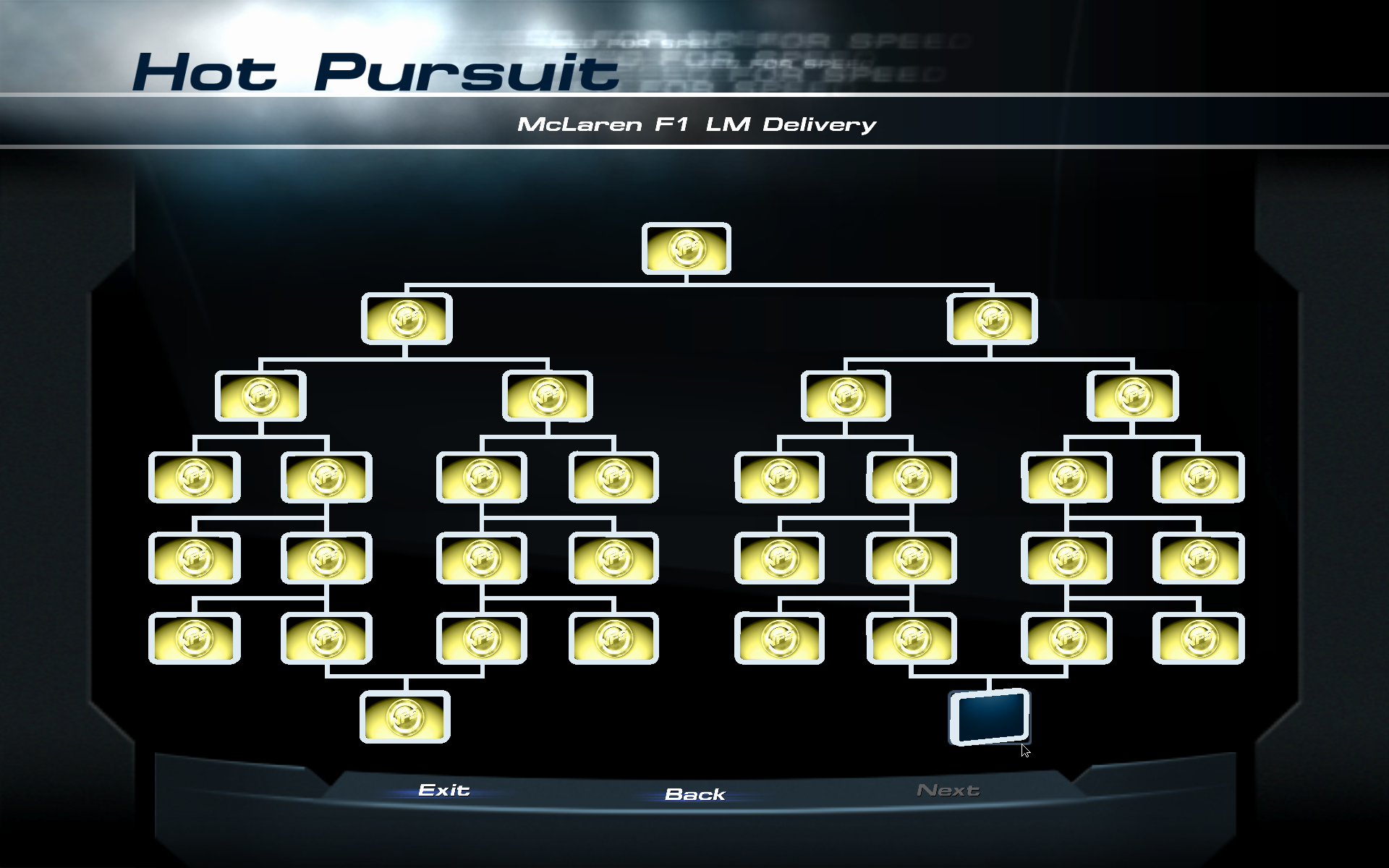
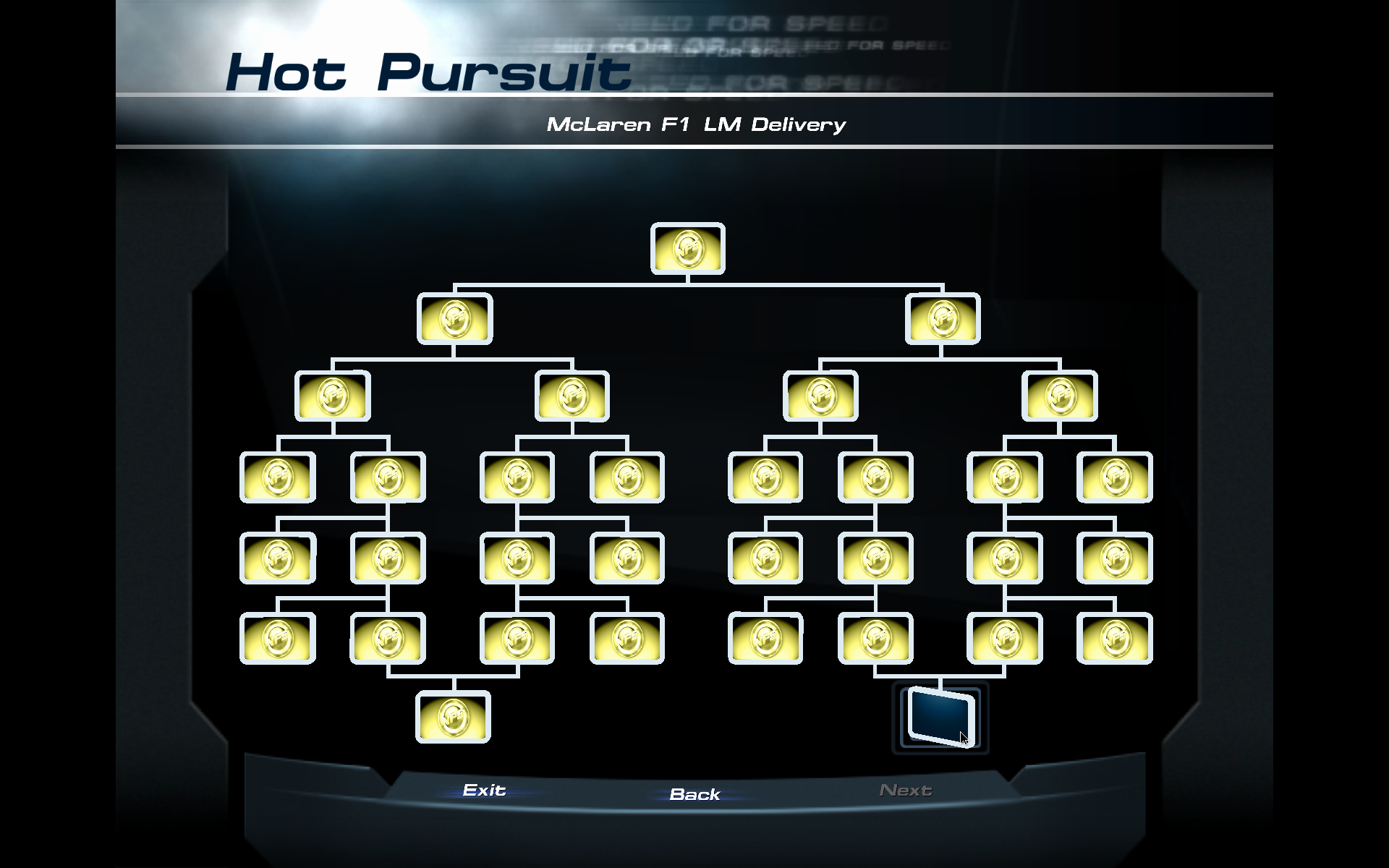
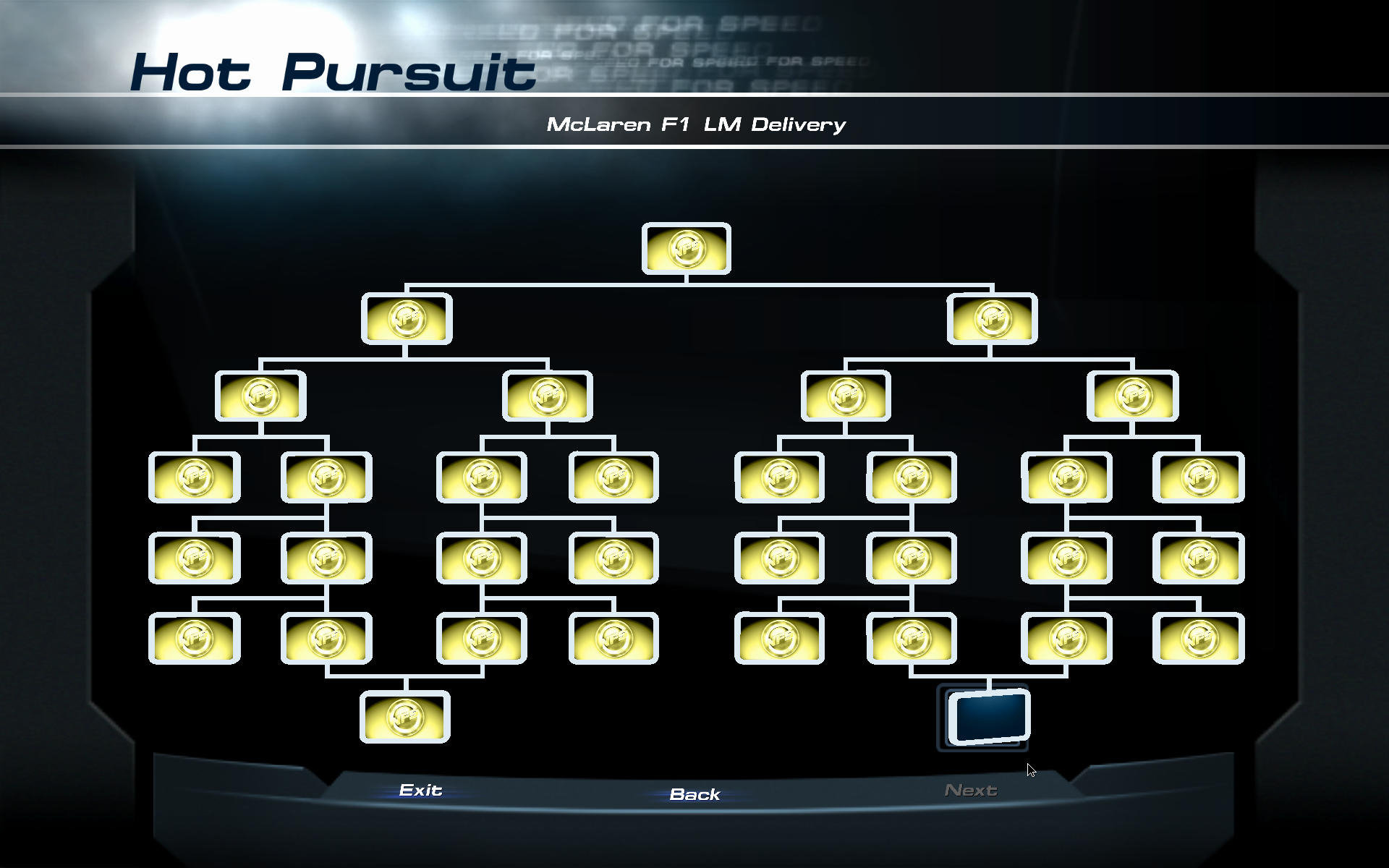
Time Trial: only available in challenges. In Hot Pursuit, these are called Delivery (or Point-to-Point on the info card), while in Championship, they are called Time Trials (or a shouting TIME TRIAL on the info card). Just a single race on a track without opponents (you have police in Hot Pursuit), and the best lap counts.
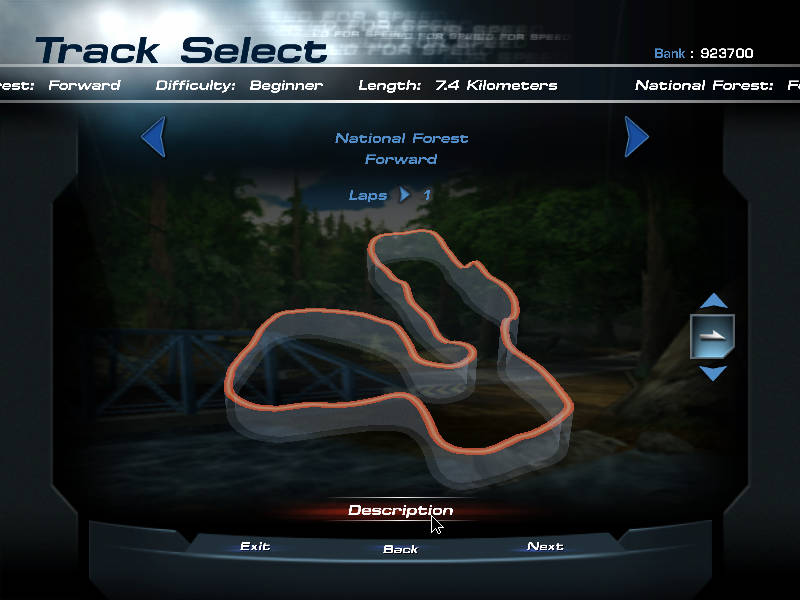
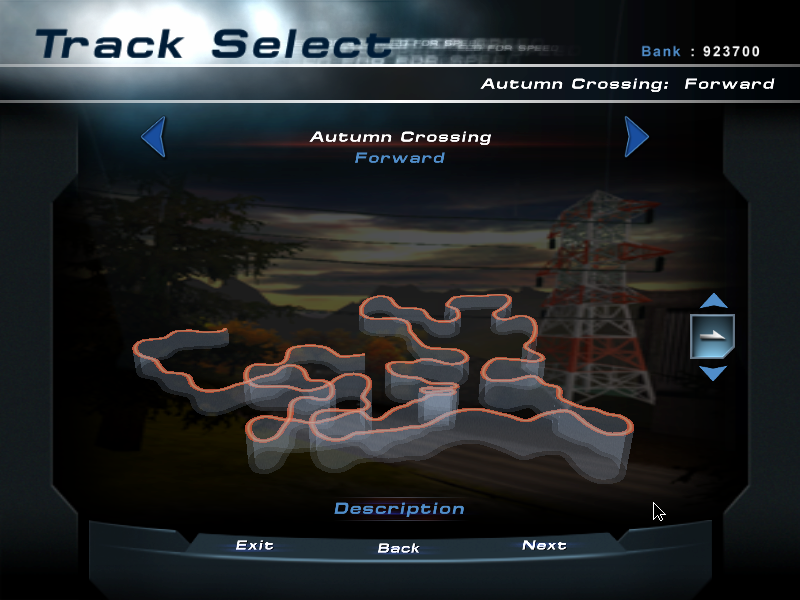
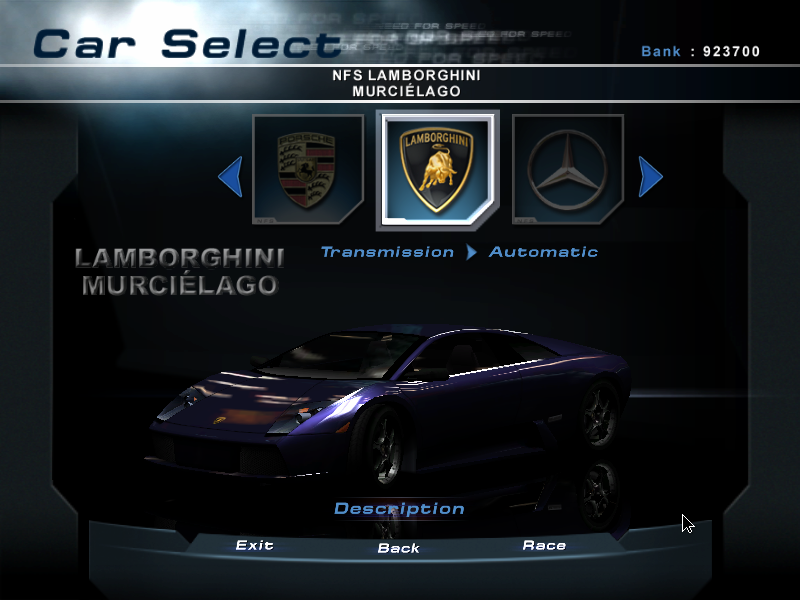
After the game modes, let's look at the track selection. Like NFS5, there are point-to-point and circuit tracks, but the point-to-point tracks are no longer the majority (⅔ circuit and ⅓ point-to-point). Like in NFS3, you have multiple tracks taking place in one location, but now you have 3 tracks at each location (2 circuits and 1 point-to-point). There are 4 locations in this game (so 12 tracks in total): Alpine, somewhere in the mountains of US, Medit (probably short of Mediterranean, I'm quoting the directory names of the tracks, these names don't directly appear on the track select screen), some Greekish location, Parkland, another USA location somewhere around the shores, and Tropics, some tropical island. So we're kinda back to the race around the world theme, but with another America focus again. Each track can be played forward or backward, and optionally mirrored, but unlike previous NFS games, you have to unlock these variations separately, and at the beginning you only have a few forward non-mirrored tracks unlocked. But at least you can have odd number of laps...
On tracks, you have lengthy shortcuts like in NFS5, but they're not marked on the map. Also don't expect the multi path madness you had on Auvgsomething. And I like the tropics location, especially where you have lava flowing under a bridge. It's just so stupid, something we don't have much lately. Also, you have track presentations back—kinda. Audio only, and just a general description of the track, like in NFS1–2, with barely any information to help you race the track. Sigh. Whatever...
On the cars front, you have a huge selection of vehicles. If I can trust wikia, there are 23 cars in the game, 9 of them has a police variant (plus a 10th Ford Crown Victoria as a standard patrol car). 21 of the cars also have an NFS edition, being a bit tuned version of the base cars with a unique paintjob, unlockable for even more money. Now, the worse news: car customization is back to NFS2 levels, all you can do is select from a few predefined colors. The custom colors, tuning, nifty car showcase, slideshows, comparison graphs, etc. all gone. Only a short audio commentary remains. Welcome to the new era!...
Gameplay#
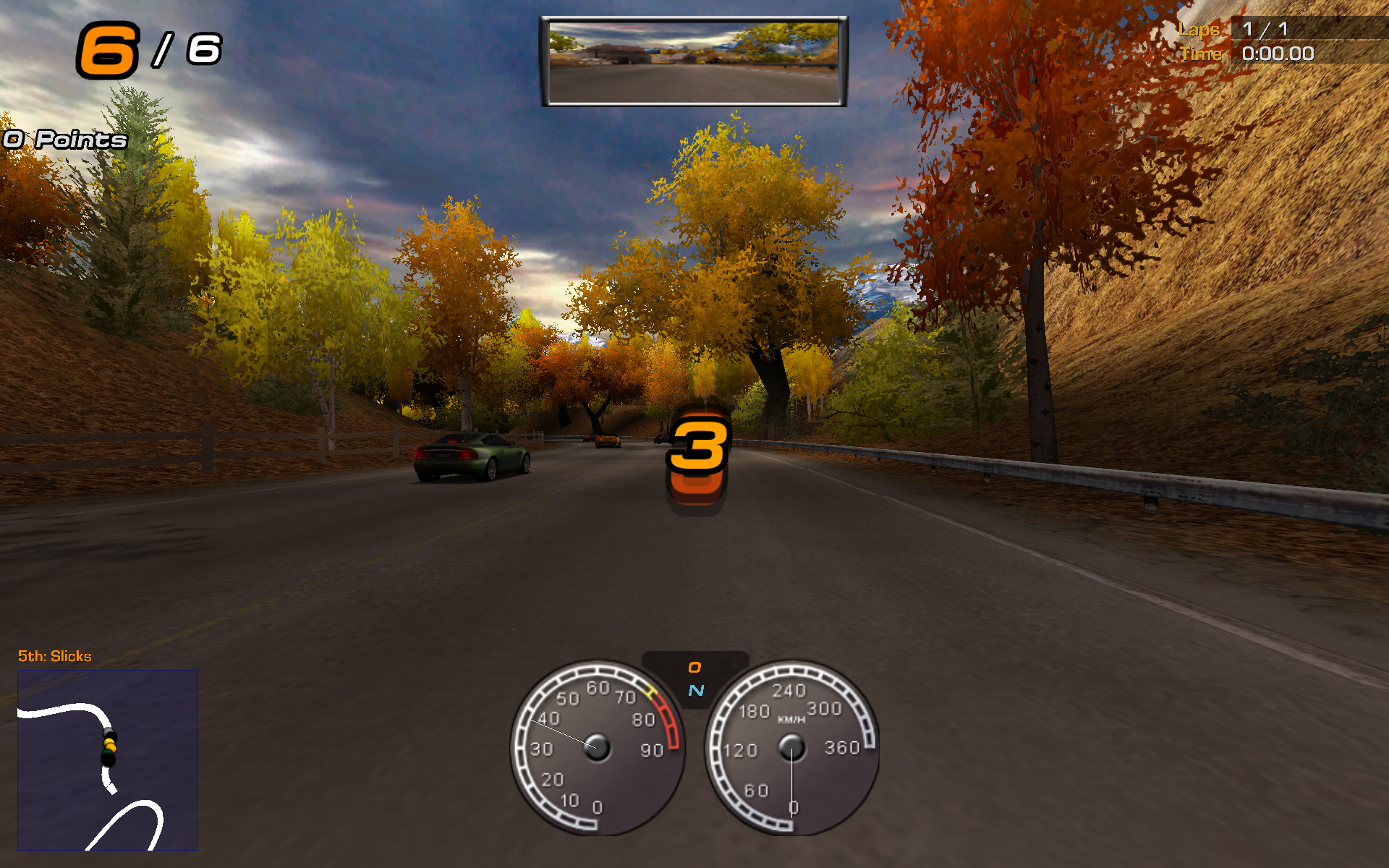
After you finally made up your fucking mind and clicked on race, the race will begin.
And I wonder where to start.
Probably the enshittification.
HUD customization?
You can select whether you want to see speeds in MPH or KPH.
And that's it.
No non-rotating map, because it requires higher than room temperature IQ to understand.
No opponent list, because I guess they couldn't figure out whether distance is measured in seconds or meters.
No digital/
What else?
You want to look left or right?
Tough luck.
You can look back but not sideways, like in NFS3.
But wait, the worst offender: no cockpit view.
We're back at bumper cam, like in NFS2, but the even worse part is we're not getting cockpit back in NFS7.
I don't think we ever get it back, besides the Shift spin-offs.
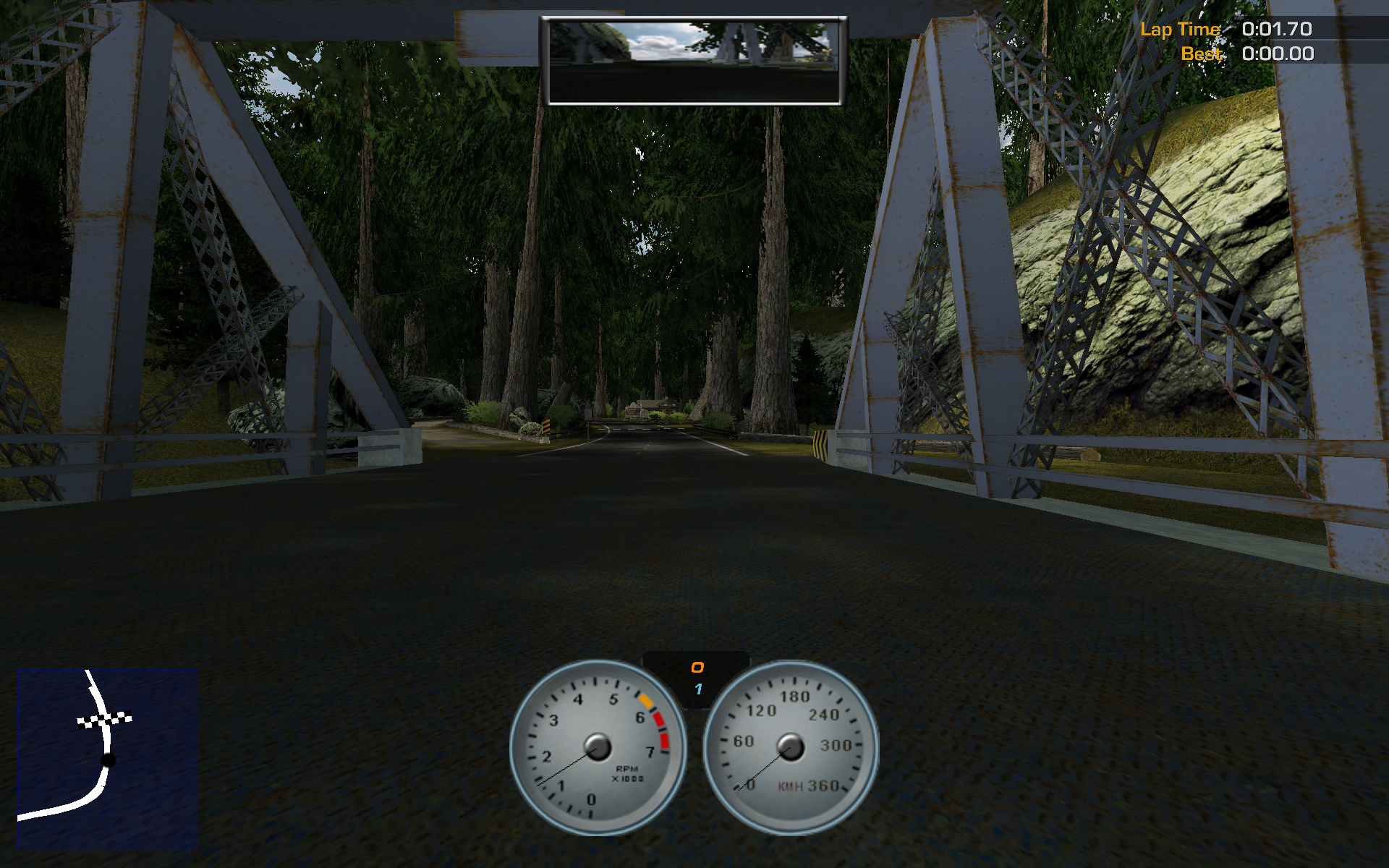
And they probably didn't even give a crap about the bumper cam either, as many cars have missing speedometer backgrounds, and the dials just float in the air.
And if you look at your car from the outside, you realize license plates no longer show your name.
You have generic license plates like ND 4 SPD, ND4SPD or NFS HP2.
Now, about the better parts.
Handling, for sure.
No more curling simulator, like in NFS5, sliding into the wall doesn't slow you down tremendously like in NFS4... so we're pretty much back to NFS3 levels of handling, without its weirdness.
Also, way less realistic than NFS4/
About AI, if I wrote this post before playing NFS5, I'd have written it's substantially better. Having played NFS5, though, I'd say, AI is mostly on par with NFS5. Most of the time they can overtake you without crashing into you, but they still do stupid things occasionally, especially when the police is involved. What was severely downgraded is their difficulty. The hardest AI level here is like medium in NFS5. Apart from messing up the police a few times on one event when starting out the game, I don't think I've had to restart any race while completing the challenges. Gold medal on first try everywhere except one or two races. You probably have to use a blindfold if you want any challenge here. Lackluster.
Oh, and police.
They're back and annoying as always, they like to try and PIT you all the time.
Also, it's like every police car has a rocket with an afterburner in their trunk, but only enough fuel to use it once: even if you have the fastest car, they will easily overtake you (even if they're so back they fall out of the minimap), but then if you pass them again, they will never recover.
The police scanner thingy is completely different, it no longer measures the distance of the nearest cop, I think it was supposed to be an evade meter, but it's more like a timer.
When the pursuit starts, it starts from full bar, then it slowly depletes.
It doesn't matter if the nearest cop is 2 cm away from you or at the other end of the map, they will see you like they have x-ray binoculars and the bar will deplete at a constant speed.
This only changes when reaching about ¼ of the bar, here if a cop is close, the bar turns red and stops.
So, in short, you have to get far away from the cop to escape, but only after they have been chasing you for a while.
This also means getting away from the police when they start chasing you is pointless, as the rockets will let them catch up on you before the bar runs out.
On the other hand, when the pursuit was going on for a moment, it is sometimes enough to get out of their vision for a split second to give up.
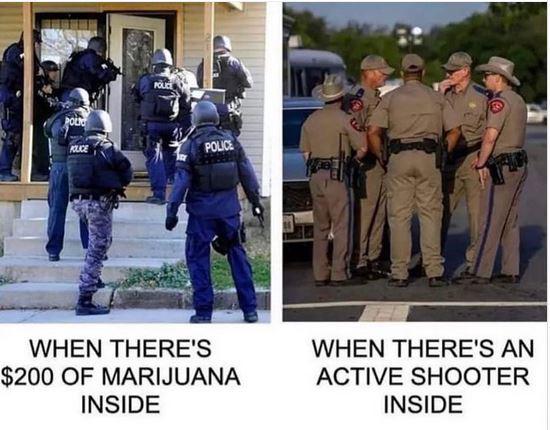
And man, they love to say shit like "this is too dangerous, I'm discontinuing the pursuit", reminded me of this meme (JXL (JPEG JXL) (41.
What happens when you're unlucky and they catch you?
Game over.
Unlike NFS3/
Spike strip is also weird, it's no longer an automatic ticket/
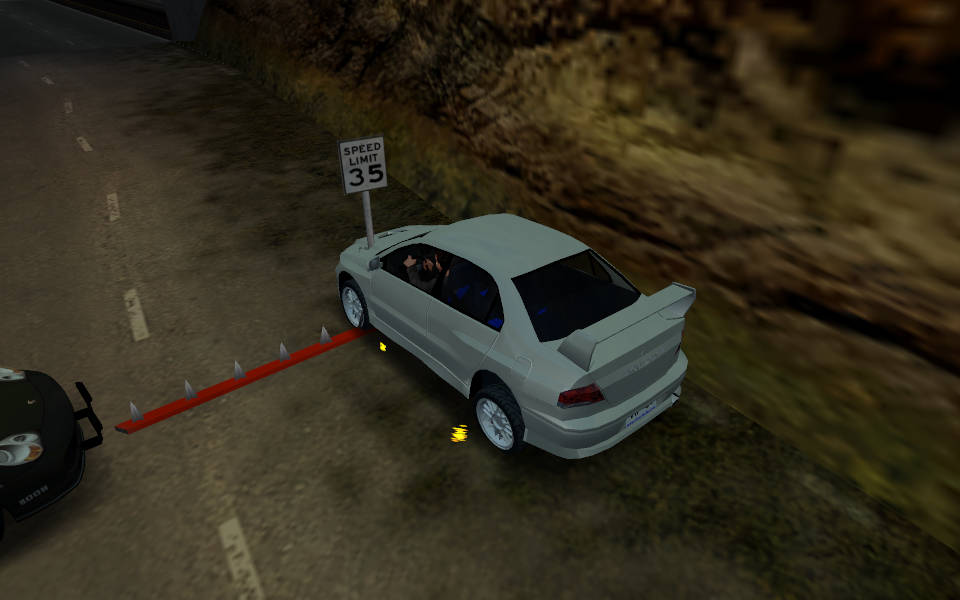
(Mods used: car: Mitsubishi Lancer Evolution VII)
Oh, and you have little videos when you're busted, instead of just a motionless police doll standing next to your car like in 3/
On the music front, I'm a bit torn. The game mostly changed to licensed music, with only a few of the old names remaining. 3 tracks from Matt Ragan, contributing a few rock music to NFS3 and MCO, and one (1) track from Rom di Prisco (for some reason only credited as ROM). I'm a bit sad to see the old artists go with their unique tracks (especially the techno ones), on the other hand, the new artists aren't bad either. Certainly not the mainstream pop crap you have in some newer versions.
Which reminds me of the band Hot Action Cop, also appearing in the intro video above.
When I first heard them in game, I thought the name is some alias EA had for their internal musicians making some music for this NFS.
I mean, cop, singing about cars, etc.
Then browsing this fine site, I realized they're a real band, and when clicked on one of their songs and the lyrics appeared...
Wait a minute, this is something completely different than what you have in game.
They practically raped rewrote the song from scratch to make it "family friendly".
I mean, I get if, what remains of the following snippet if you throw out everything questionable?
She got the power of the hoochie
I got the fever for the flava of the coochie
And did I mention, hey, pay attention
Gonna take that booty to the nudie dimension
And also a case, I have to admit, where the censored song is not necessarily worse than the original. But I might be biased here, for a long time I only heard the HP2 version.
When you finish a race, you get a menu where you can restart the race, view the replay or quit. Replay functionality is nerfed, you can only watch the replay when finishing the race, you can't save it. What's the point? And there's a bug with the end race button, if you push the enter key, it will also register the enter key returning to the main menu. In case you played quick race, the quick race button will be selected initially, and the extra key press will cause HP2 to start another quick race. Interestingly, during the game, the dialog where you have the end race button is the only one where you can use the mouse. Coincidence?
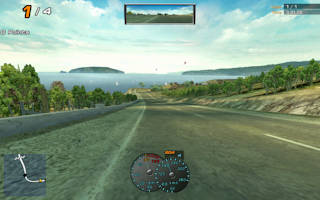
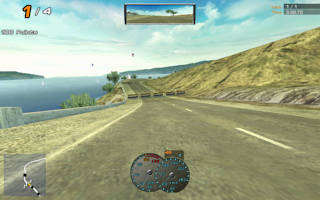
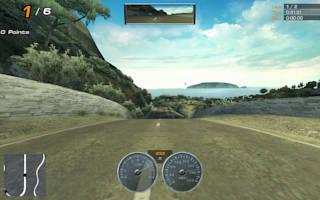
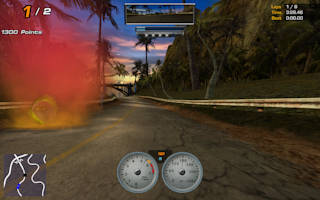
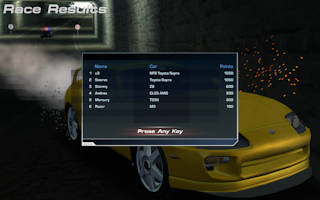
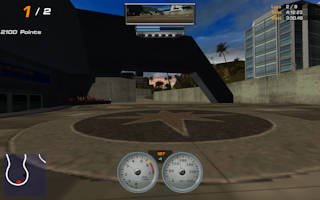
But despite all these shortcomings, this game is still one of my favorite entries in the series, somewhere after NFS3 and Underground 2.
Mods#
Since I also played a lot of HP2 in the past, I checked out the mods, but the state is pretty bad here.
Regarding tracks, I only saw texture mods, and not too many high quality ones.
Realistic Parkland 3.
Car modding is also worse, you can't add new cars to the game, only replace existing ones, with all their shortcomings (like police radio still referring to the original car, and even changing the name of the car in menu is problematic). And since there's no cockpit view, no hood view, no customization to make it worth looking at the cars in the menus, there is not much point in modding cars to be honest...
Technical shit#
Note: most of the patches mentioned in this section are mirrored below.
Fasten your seatbelts, I think.
First things first, this game has a more-or-less new engine, so the joystick shenanigans of the older NFS versions with new Wine versions no longer apply (you have a brand new set instead).
I did the test the game Wine 9.
To install the game, you have basically two options, I'm starting with the "official" way.
Create a new WINEPREFIX, probably set it to emulate a virtual desktop (and maybe to WinXP compatibility), then start the installer.
If nothing happens, you probably started the installer from a different working directory than the CD's root dir.
The installer is crap, get over it.
One way to solve this is to cd there, and start it as wine ./setup.exe.
Or, if you don't want to cd, you can also run:
wine start /unix /path/to/setup.exe
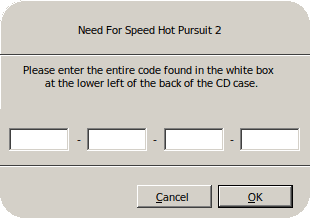
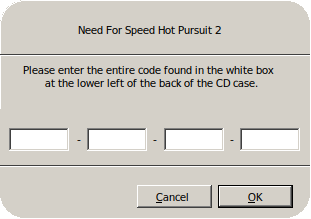
When it asks for the serial, Ctrl-V only pastes into the first text box.
If you try to work around it with xdotool type, it will enter the dashes too into the boxes...
Then when you get to the actual install part, you'll have no progress display. Wine will spam the consoles with messages like this:
01b4:fixme:file:CopyFileExW LPPROGRESS_ROUTINE is not supported
01b4:fixme:file:CopyFileExW cancel_ptr is not supported
Just what I expected from Wine...
Anyway, after finishing, you should get and install Patch 242. If you cracked the game before it will complain, but it doesn't really matter as you'll need to replace the exe afterward with a no-CD crack. You'll need to crack even if you had a legit copy, since SafeDisc rootkit no longer works on any modernish Windows version, and never worked under Wine.
So, um, what's the alternative? Turns out the no-CD crack makes the game pretty much portable, it doesn't require the gazillions of registry settings. Only the patch installer needs those registry keys. So what now? First, I made a tarball from the files the patch patches, so you can just extract it. Or you can just ignore it, it only extracts three things: the executable, but you'll have to replace it with the crack anyway, some readme file which you can ignore, and updated ini files for the controllers, also not too important unless you're using a controller from 2002. So if you want to go this way, you can just copy the following files from a CD to a random directory:
- actors
- ai
- audio
- cars
- controllers
- drvmgt.
dll - eagl
- frontend
- movies
- particle
- text
- tracks
- win2khook.
dll
or from shell using the casing I happen to have on the CD:
cp -r --no-preserve=mode $CD_MOUNT/{actors,AI,audio,Cars,Controllers,DrvMgt.dll,EAGL,FrontEnd,movies,Particle,Text,tracks,Win2kHook.dll} $TARGET
Then copy over the patch and the crack.
Congratulations, you should have a basic version of the game.
Run it from the game's directory to run (either cd into it or use the start /unix trick).
If you're starting the game for the 3rd or more time, you might wish to add the -nofrustration flag to skip the annoying intro.
And unlike previous games, EA logo is no longer skippable normally!
There's progress for you.
If you run it with WineD3D, it will spam the console with a lot of errors about unsupported operations. I think in the past I had more severe problems with WineD3D, since I went my way out to get D8VK for this game. Fortunately, newer DXVK versions include DirectX 8 support, so unless you're using an old Wine version, DXVK should suit you better.
Even though, we're not done here.
This game is weird.
It has no V-sync, no FPS limiter, but according to PCGW, physics is limited to 60 FPS.
In my experience, it has problems reaching even that, so still expect stuttering (especially with more than 0 AI opponent) while still rendering the game at 500+ FPS.
Rendering the exact same frame again and again.
What the actual fucking fuck is this piece of shit?!
Anyway, if you can, close any program you don't necessarily need (compositor, webbrowser, OBS studio, etc.), this game seems pretty sensitive to random background processes sometimes needing CPU.
Even if on a different core, as since the advent of hyperthreading and frequency boost, cores are not really independent.
On the Wine side of things, put dxvk.conf next to the game executable, and there you can try two things.
d3d9.presentInterval = 1 is supposed to enable V-sync, but in my experience it made the game even choppier.
An alternative is to set d3d9.maxFrameRate something to 120 or 240, which seemed to return the choppiness to the base game for me, while not frying the GPU.
Widescreen patch#
This NFS, like every NFS before, only supports 4:3 resolutions.
But it's buggy, and you might actually be able to select some non-4:3 resolutions, but the game will just stretch the 4:3 image.
So, if you want to use the game on widescreen resolutions, you'll have to get hp2wsfix.
There's a workaround for Wine users in the readme, also mentioning the game will crash at first.
While it was true in the past, with Wine 9.d3d8 to the DLL overrides if you're not using DXVK (setup_dxvk.sh already does it).
Also in global.ini, make sure you set UseD3D8to9=0.
The widescreen patch's DirectX 8 to 9 translator is quite buggy under DXVK:
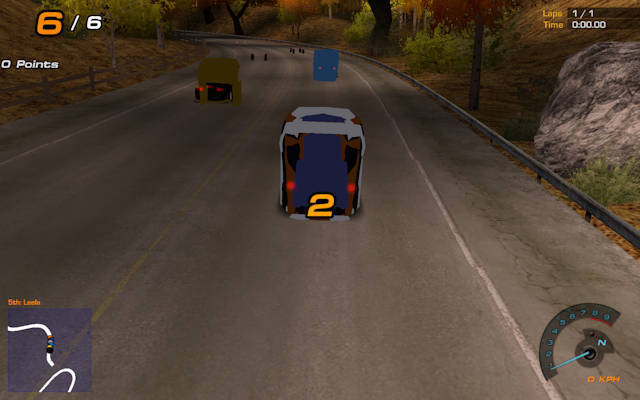
I also recommend opening scripts/HP2WSFix.ini and setting SaveDir=save, so the game will store your saves in a directory called save next to the exe, instead of some obscure location under your virtual Windows' install's documents folder.
You can also mess around with the other settings, you can probably set DisableLetterboxing=1 on widescreen resolutions.
(Fun fact, old games sometimes had widescreen mode, and ability to render to a smaller window, to speed up rendering in case you had a weaker PC.
Here, it just renders the whole image normally, then puts a widescreen texture on top of it, hiding parts of the image.
What is this pajeet shit?!)
FixHUD sets how to handle the 2D parts of the game, it can be stretched, 4:3 centered, and trying to do something meaningful.
In the latter case, you can move some HUD elements around by editing the ini file.
Not as nice as NFS3's built in HUD editor, but better than nothing.
For some reason FixHUD=2 moves the cop meter under your speedometer, but you can fix it.
My config used is also available below.
Part of this project (but not the downloadable binary, you have to get the NFSHP2 HD Font Pack folder from the git repo) is a mod to add HD fonts to the game.
I recommend getting it, as HP2's font is a bit low resolution, and looks pretty bad at places (especially the HUD during race).
Plus I also recommend following the "rename MicroSquare72b.
And now, comparison time!
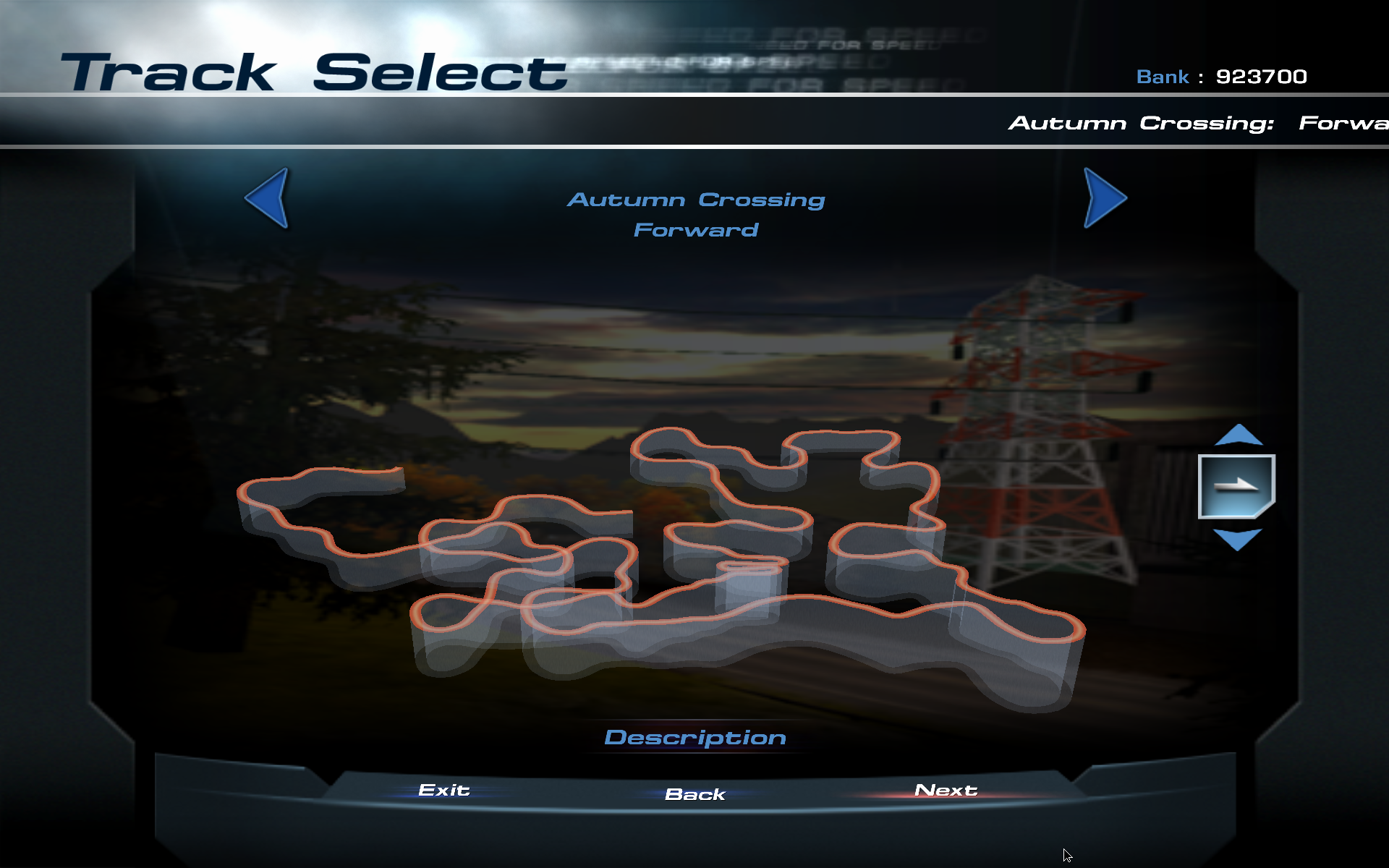
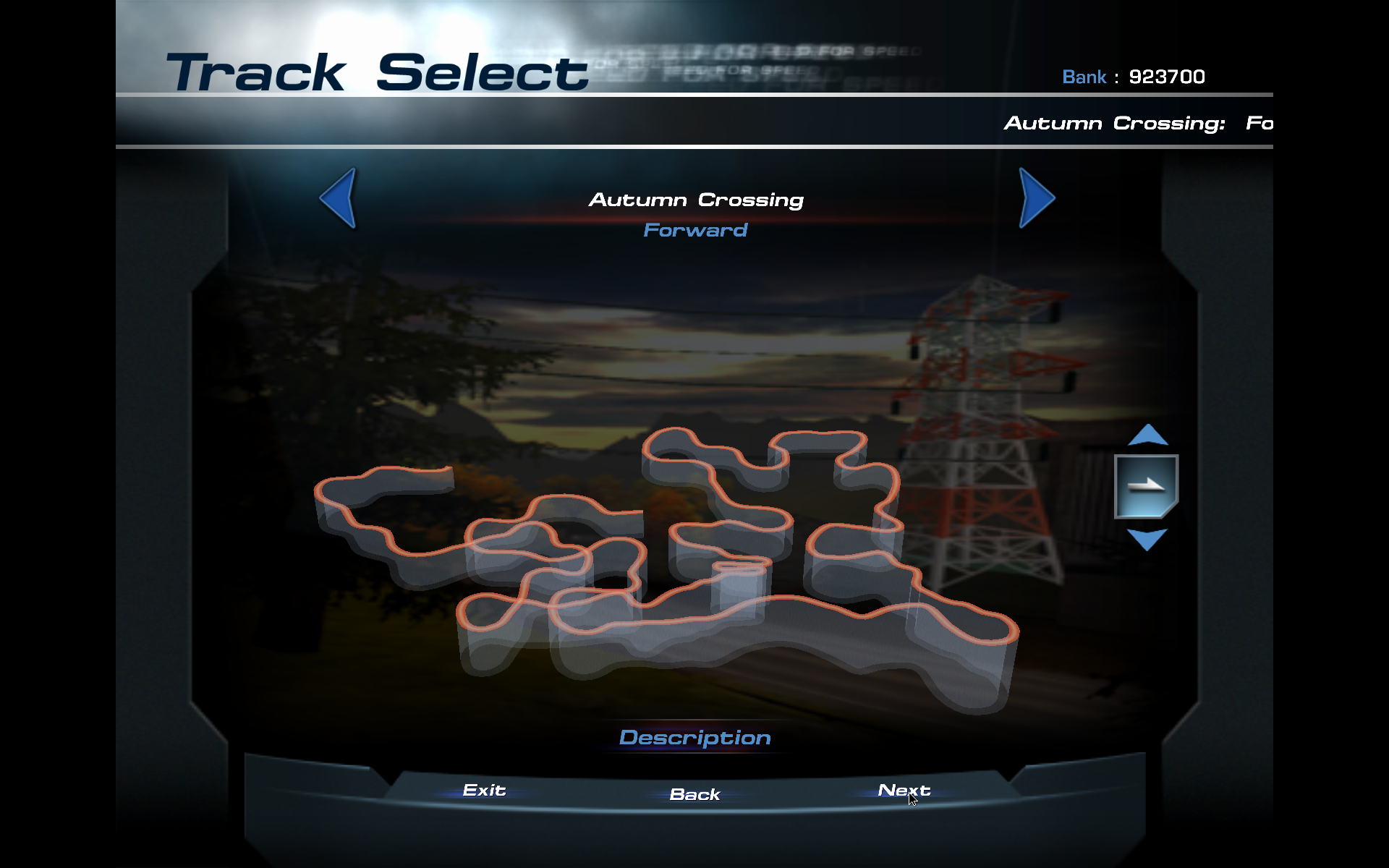
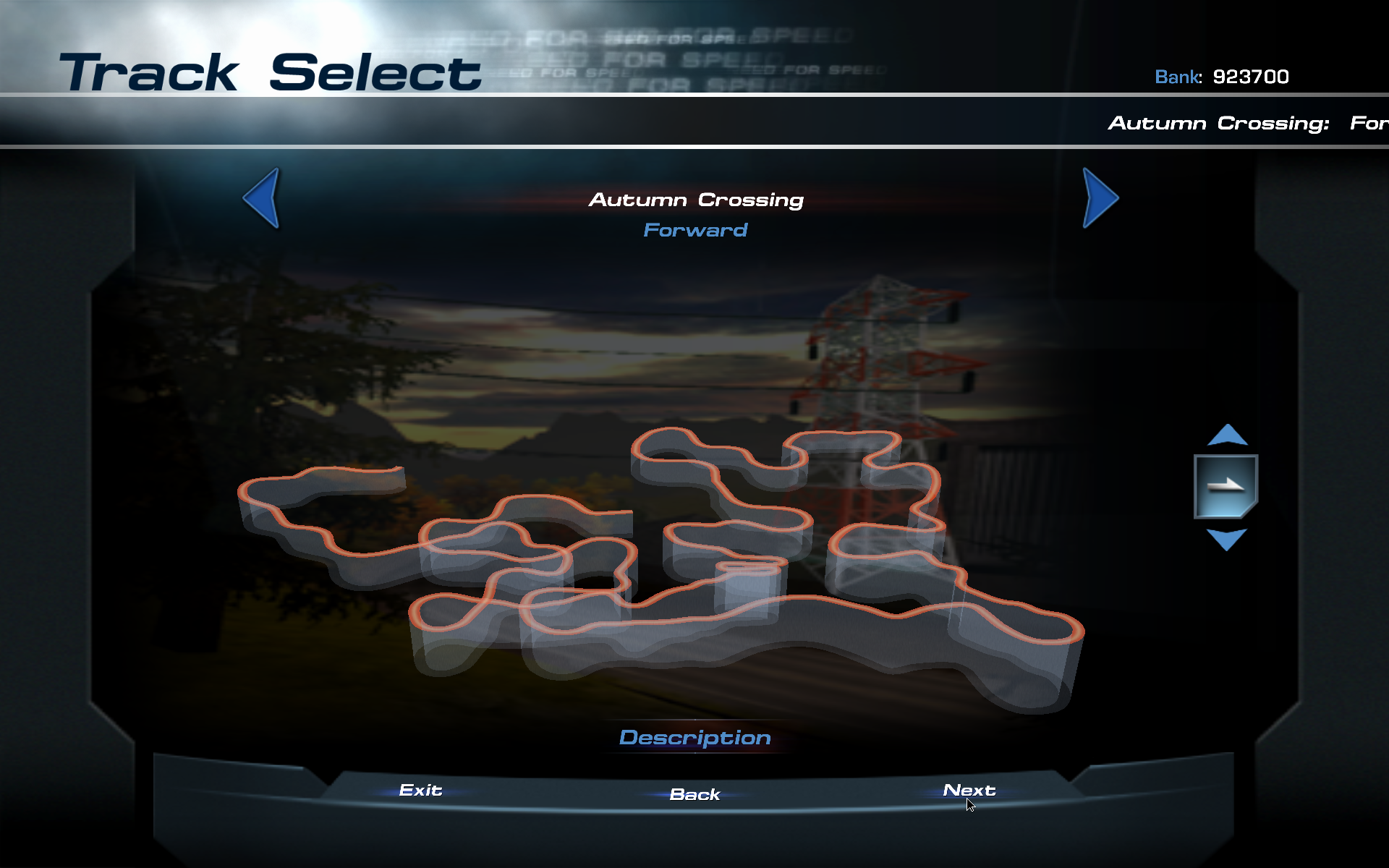
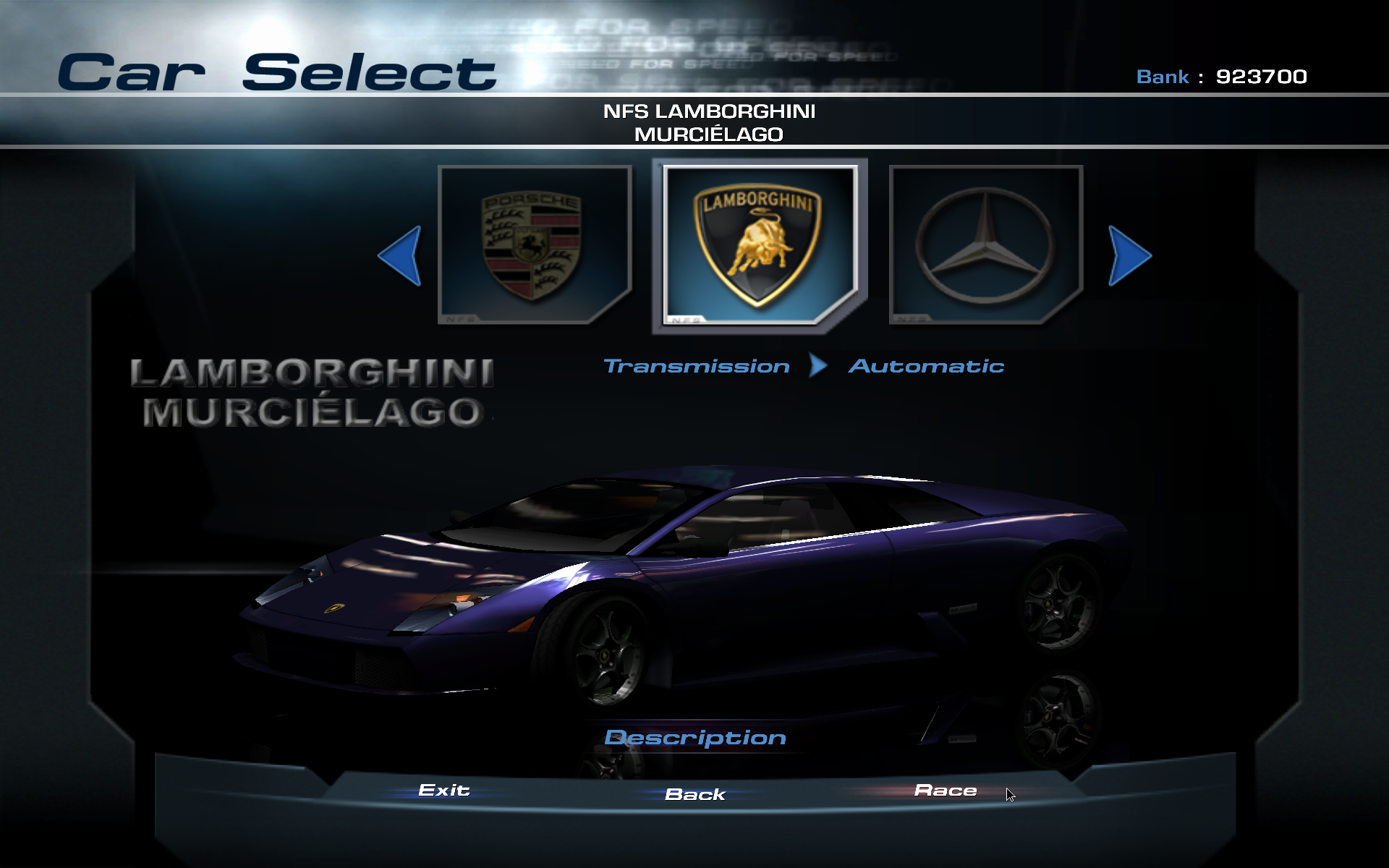
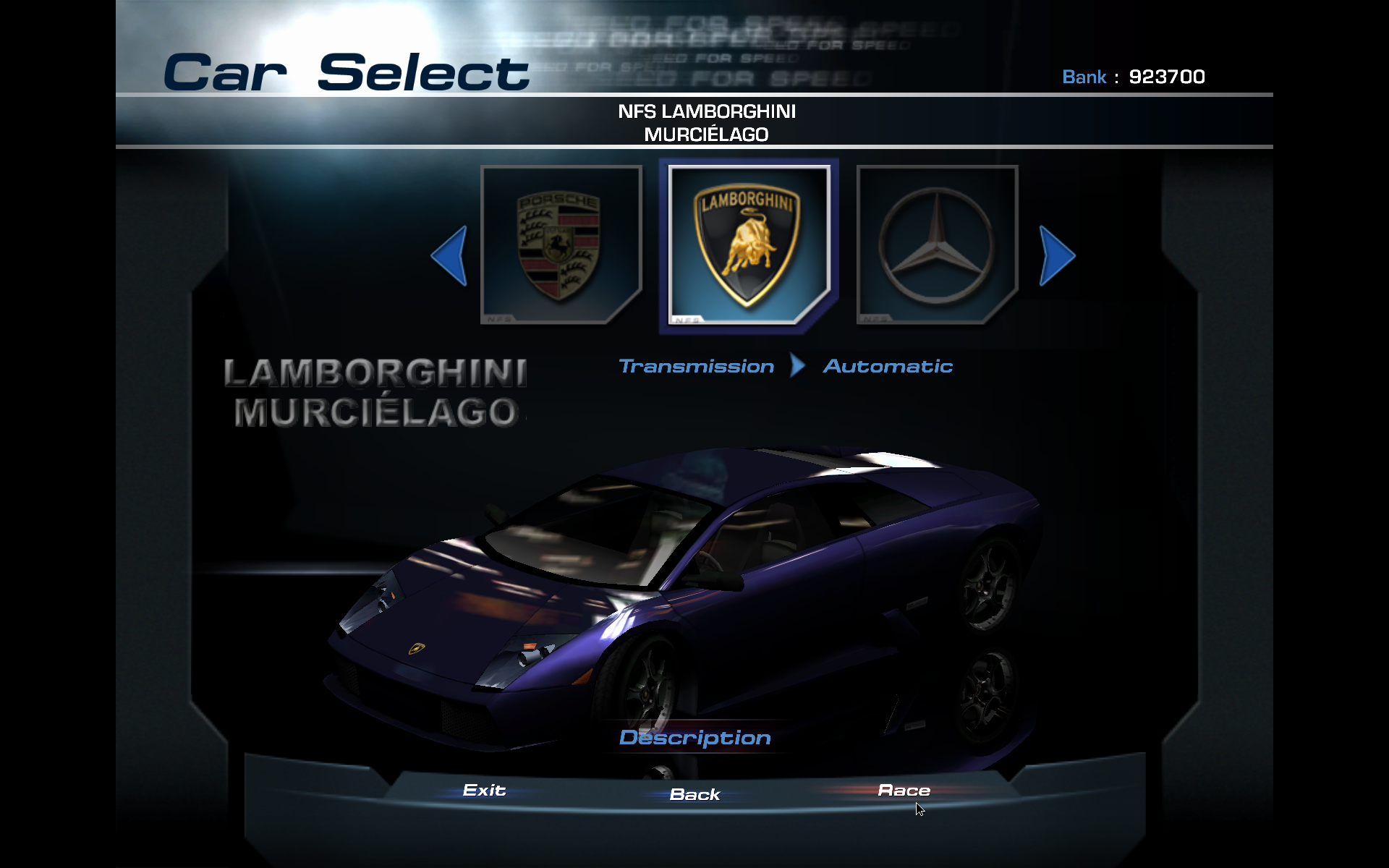
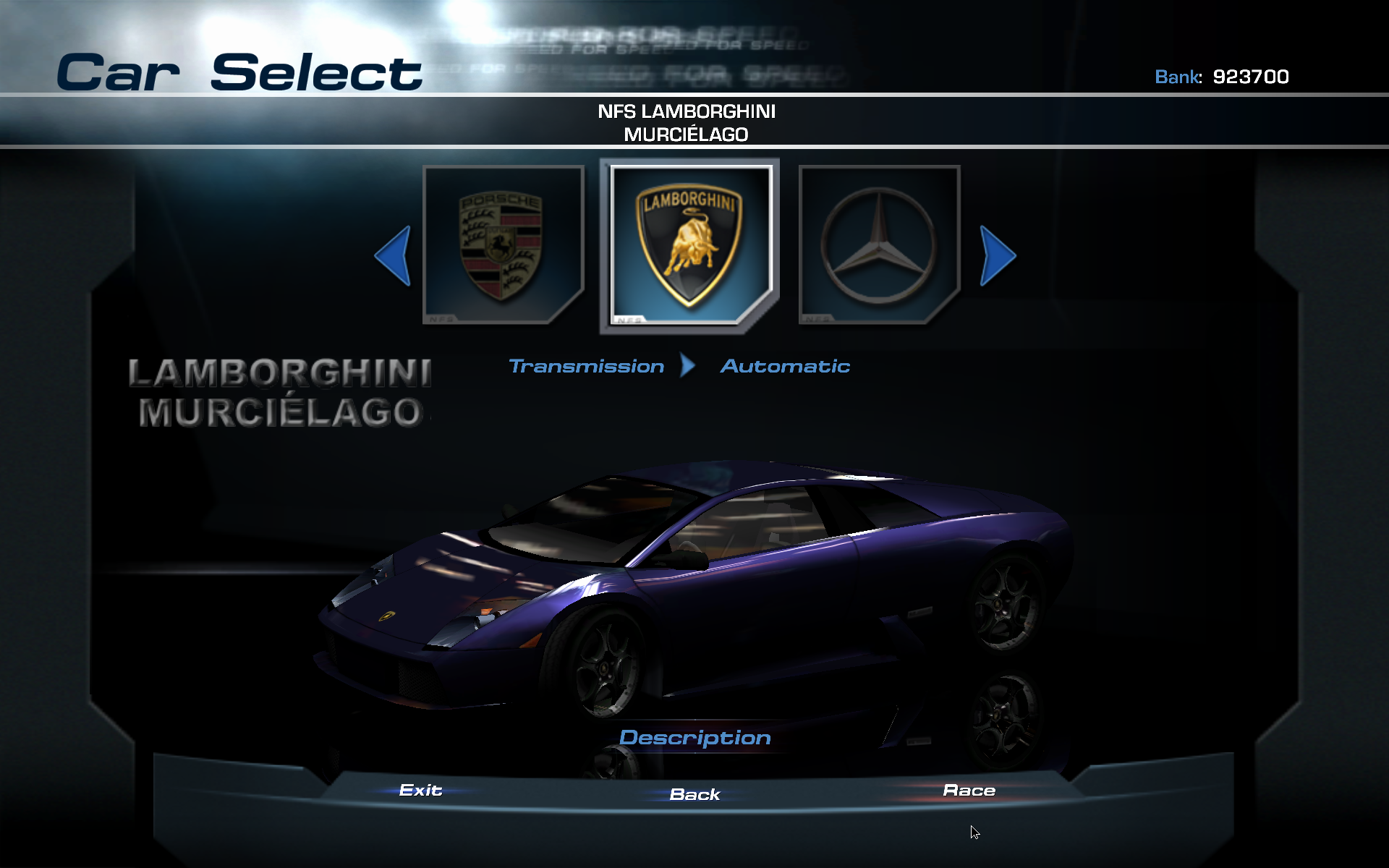
First, the original game, then widescreen patch with HD fonts and the three possible FixHUD values.
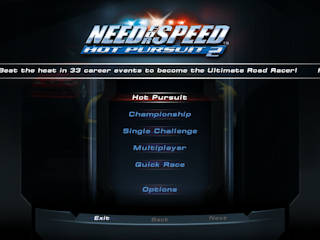
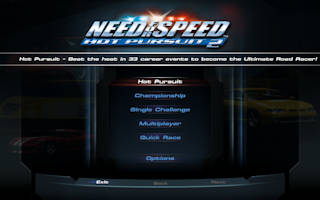
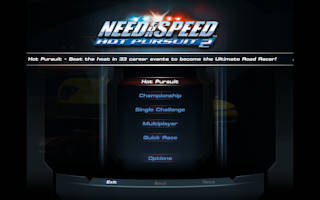
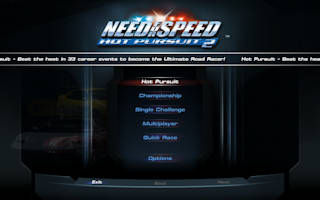
With FixHUD=2, the main menu buttons are in the 4:3 size in the center of the screen, while the background is stretched.
Sounds like a good compromise, but then if you select Hot Pursuit or Championship:
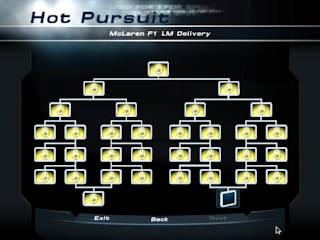
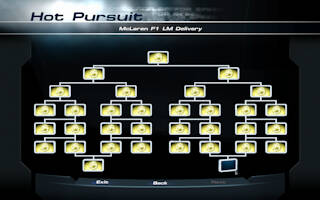
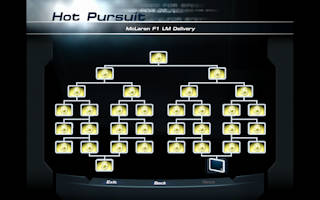
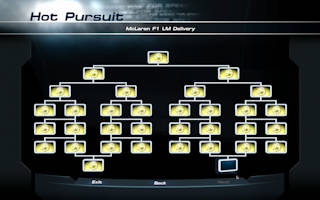
The only thing not stretcher are the texts. And track or car selection isn't better either:
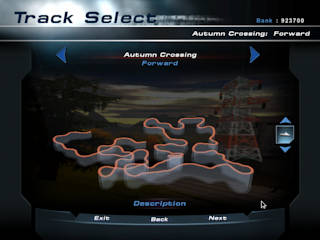
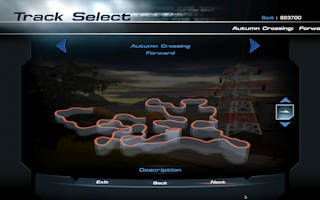
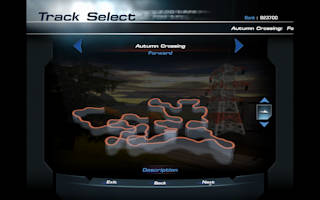
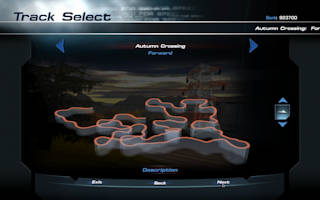
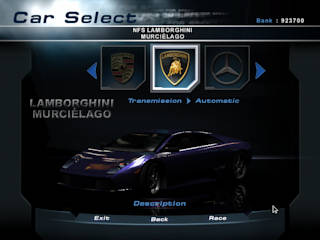
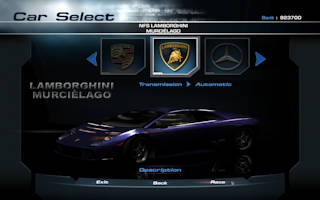
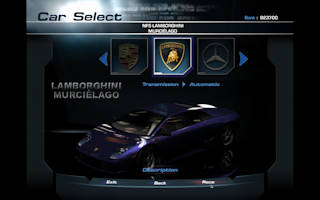
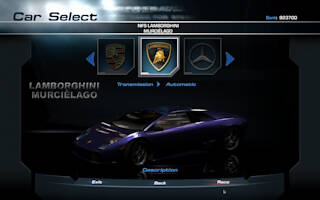
So far, FixHUD=1 looks the best (which is actually just what the original game renders, just scaled up), 2 is just way too buggy.
But ingame, things change:
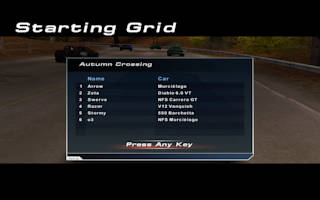
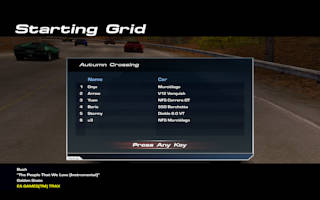
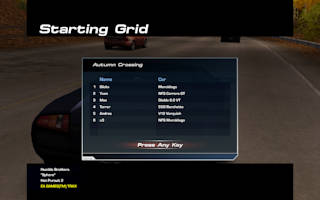
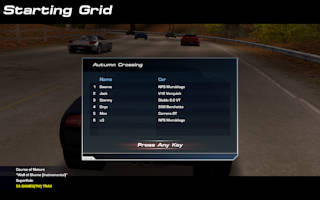
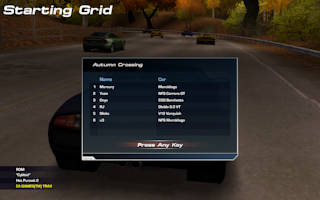
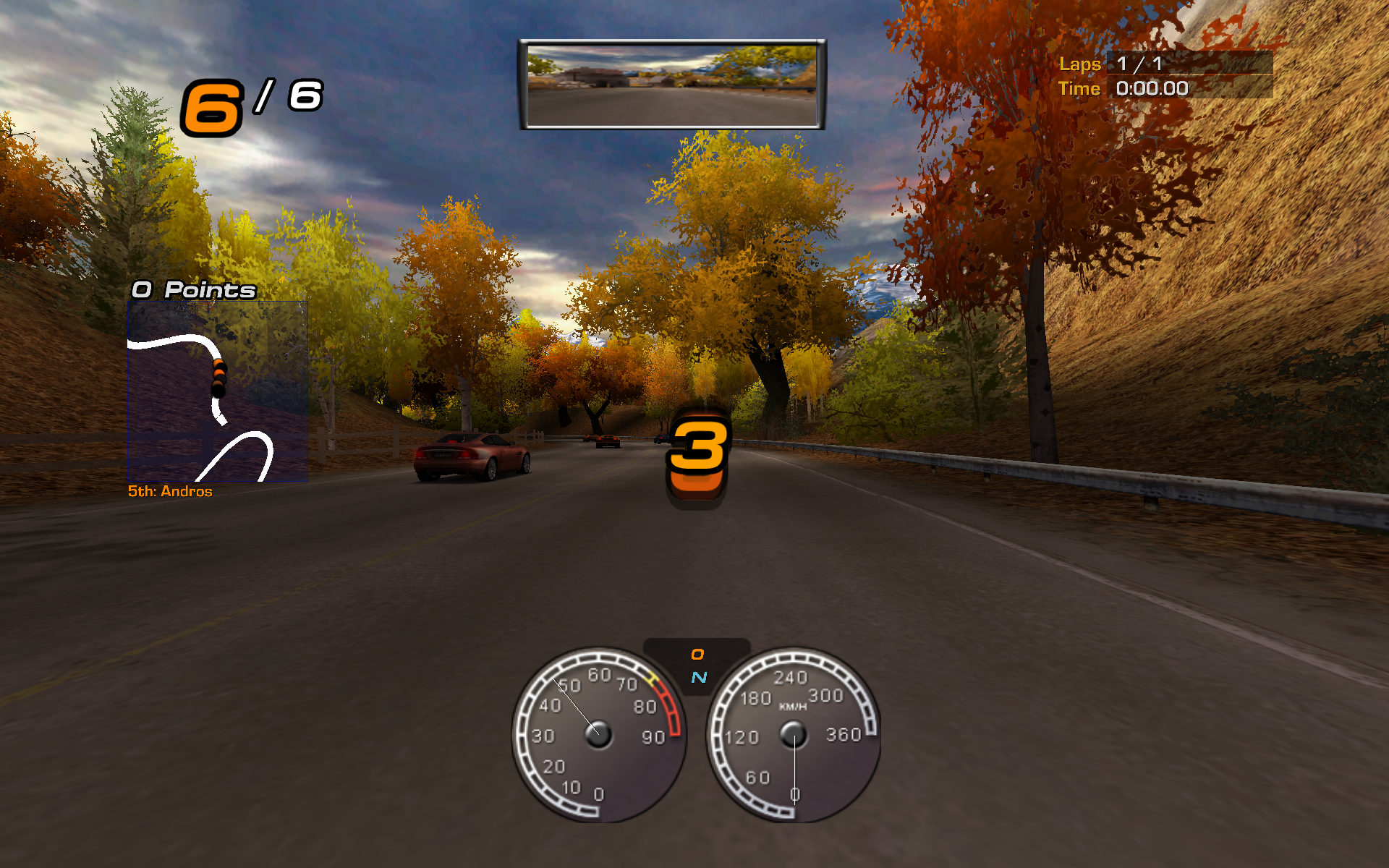
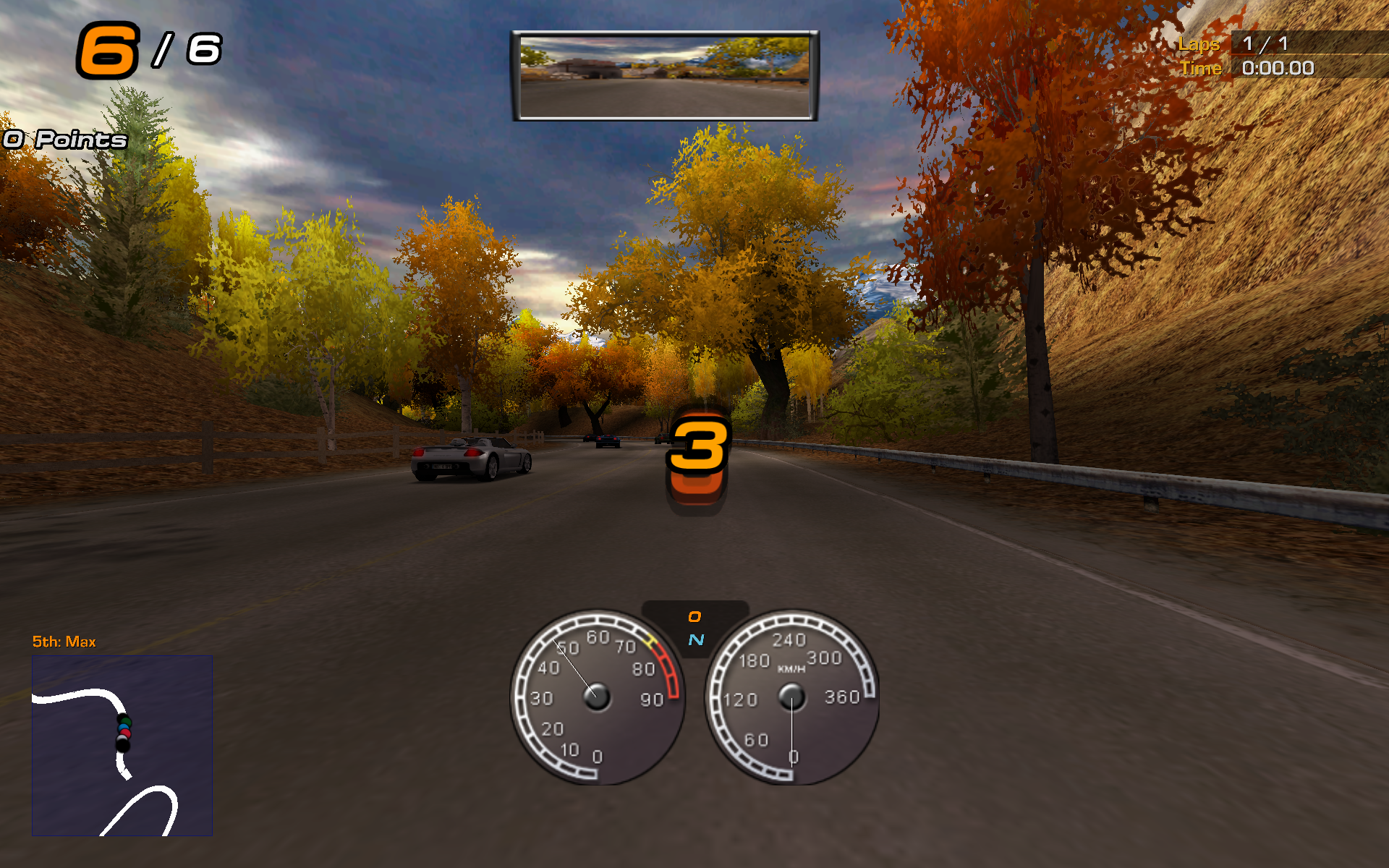
Here both original and FixHUD=0 just stretches the HUD, while with FixHUD=1 the black bars look super weird, so you're stuck with FixHUD=2 and maybe DisableLetterboxing=1 (last image).
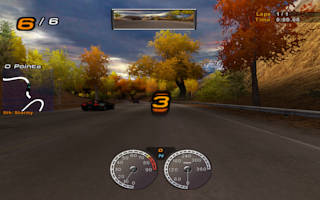
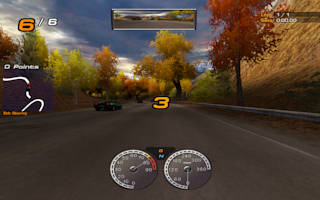
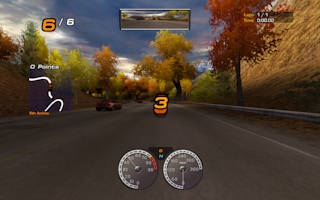
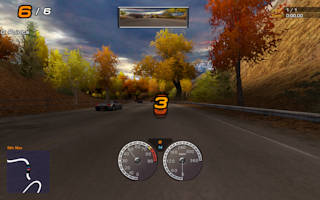
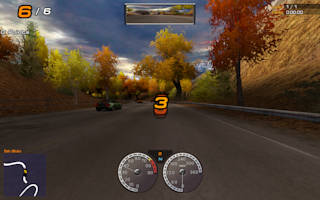
Comparing the first two images you can see the unpatched game stretches even the rendered 3D image, not just the HUD.
Also note the awful lap counter and countdown.
FixHUD=1 is not too bad here, but unfortunately it's impossible to customize the HUD with this setting.
The last image is my customized HUD, moved HUD elements to the side of the screen a little.
Also note how this is the only image where the rear-view mirror is in the middle...
Surround sound#
This game has surround sound support, but don't expect it to be bug free.
First, you'll need DSOAL like with NFS4, unpack the DLLs to the game folder, add dsound to the DLL overrides and edit alsoft.ini (at least set channels correctly).
If you did this correctly, you can select "D3D / EAX" under audio settings, then enjoy surround sound.
Until you exit the game.
Well, the game is a bit gay here, changing the settings doesn't actually save it until you click on update in the profile settings screen or finishing a race—but even if you do it, all you achieve is after restarting you'll see the "D3D / EAX" under audio settings.
But it will be just plain stereo.
You have to change D3D to mono/
Controllers#
I left the worst part last, and it has two parts, the game and Wine.
Let's start with the game.
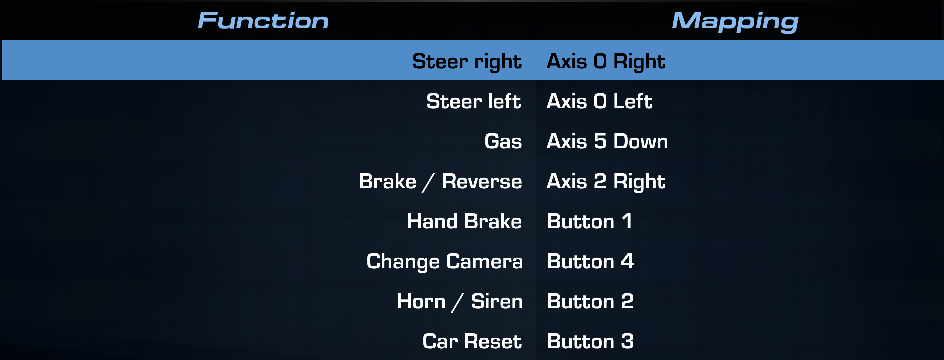
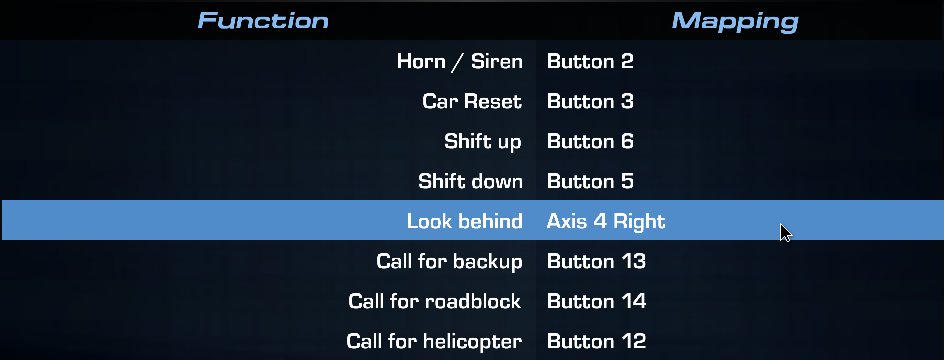
If you use a DS4 (or something similar), and you try to assign accelerate and brake to the trigger buttons, it won't work.
Unlike previous NFS versions, this only support controller axes where the neutral state is in the middle (i.
So back to Wine.
While NFS6, being a new engine, doesn't share the older NFSs' inability to work with the new Wine versions... but it doesn't mean there is a single Wine version after 6.joy.cpl, the trigger buttons are back, even though I patched it out from kernel.
The touchpad also functions as a button!
WTF are you doing Wine?!
Can't you just open a joystick device without trying to be a smartass and fucking up everything!?
And no rumble support.
I guess Wine just realizes it's a DS4 controller, and bypasses the kernel driver, and just tries to implement DS4's protocol on its own, buggy.
I mean, deleting the corresponding /dev/hidraw* file means wine will no longer recognize DS4, even if I select "Disable hidraw" in joy.cpl.
It's so fucking unbelievably broken it's hilarious.
I tried searching for some input remapping software for Linux, but they were all either way too basic (only supporting KBM), requiring GTK3+ garbage, or both. There's some evdev package for python, maybe I could have used it, but I'd rather kill myself than to code in that significant white space abomination of programming language. So in the end, I did what I did with NFS3, and fixed the problem by myself. Let me introduce you to inputor (mirror), for a lack of better name. It's a Lua library to read evdev inputs and create uinput devices, plus a few helper functions to help you when you just want to proxy events. With this, I made a virtual gamepad, where the trigger axes are mapped to 0..1 while having a -1..1 range (but it will never go negative). Complete bullshit, but this is what HP2 engine wants. And what's the best? Just by giving it a different device id, so Wine won't try to use hidraw, suddenly you also have rumble support. I don't have a large enough table flip emoji for this! Anyway, doing this allows you to finally map your axes in a way they will work...
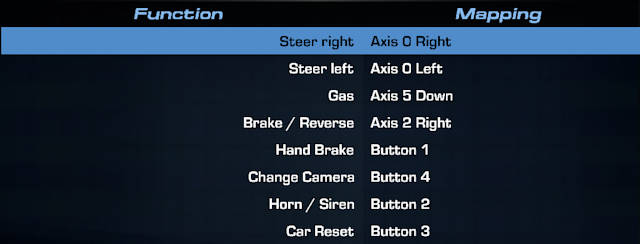
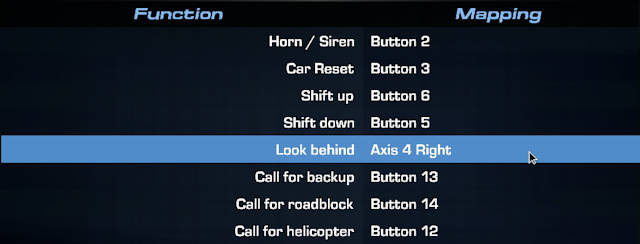
if you're lucky.
It might happen you do this, start a race, and you notice your car doesn't accelerate even if you press the gas, but goes into full reverse even without pressing the brake.
Resetting the controller in settings and rebinding sometimes works.
What I found to work usually is to go into dead zone settings, and give the two thumb axes a little dead zone.
Most of the times it fixes things.
Even if you later set dead zone back to zero.
This game is a fucking farce.
Oh, and while you're at the dead zone settings, if you set look back to the stick like I did, give it a (larger) dead zone.
Even though stick is analog, look back is binary, and the conversion between analog axes and binary buttons seem to be value != 0.0, and thus you'll look back even when you don't want.
Previous NFS versions handled this better.
Oh, and a bonus.
When you start the game with an unknown controller connected (and by unknown I mean a controller not on the list of about 43 controllers explicitly supported by the game), you'll get a warning at startup about your controller not recognized by the game, please check the settings.
Cool.
Except you get this warning EVERY FUCKING TIME you start the game.
Even after customizing binding, dead zone, whatever.
Adding a boolean did_user_see_controller_warning variable to the save file was too much to ask, I guess.
As usual, shipping the game on time was more important to EA execs than having a usable game.
If you're fucking tired of this, open controllers/definitions.ini, add a new joystick N section, where N is the number used in the last section plus 1, name should be set to the name the controller appears in game.
Not sure about the rest, I just copy-pasted joystick 0's (defaultPad) other options here.
Probably this is where I could have fixed the DS4 controller crap by adjusting the axes's config, if Wine would actually have a working controller support.
Misc#
If you play the game, even on maximum world detail, you might notice waterfalls just pop onto the screen as you approach them (most noticeable on the tropical location).
Just follow PCGW's recommendation, edit eagl/lod.ini, and increase worldParticle levels.
PCGW notes you can go up to 999, I went with lower values though, and they seemed to work for me:
worldParticle.farFadeIn=525.0
worldParticle.farFadeOut=550.0
PCGW also mentions fog not available with modern systems, and I kinda wish I had looked into it earlier.
As such, videos and pictures in this post lack fog, but you can actually fix them if you want.
The "official" workaround, enabling d3d8to9, as mentioned above, doesn't work well.
A github issue comment hints at what native DLLs (d3dcompiler_43 and d3dx9_43) you need to get from winetricks to fix d3d8to9.
I didn't try this, but instead used a second workaround mentioned in a different comment, which involves patching D8VK.
Except they couldn't provide a real patch file, just some textual representation of what you have to do, so I turned it into a patch for version 2./etc/portage/patches/app-emulation/dxvk if you're on Gentoo and rebuild dxvk:
--- dxvk-2.5.1/src/d3d8/d3d8_device.cpp.orig	2024-12-23 16:08:29.630089485 +0100
+++ dxvk-2.5.1/src/d3d8/d3d8_device.cpp	2024-12-23 16:08:53.127088740 +0100
@@ -1572,6 +1572,12 @@
       default:
         break;

+      case D3DRS_FOGDENSITY:
+        // if D3DRS_FOGDENSITY is set to a nonzero value, use D3DFOG_EXP2
+        if (Value)
+          GetD3D9()->SetRenderState(d3d9::D3DRS_FOGTABLEMODE, d3d9::D3DFOG_EXP2);
+        break;
+
       // TODO: D3DRS_LINEPATTERN - vkCmdSetLineRasterizationModeEXT
       case D3DRS_LINEPATTERN: {
         [[maybe_unused]]
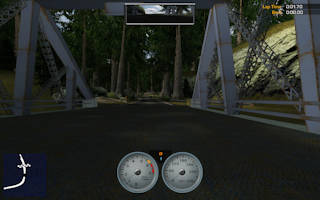
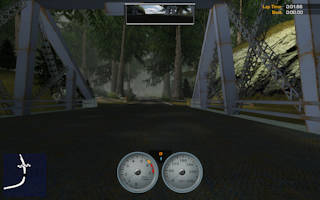
I found the fog to be most noticeable in the forests of the Parkland map. For example, comparison from the start of National Forest track, without and with fog:
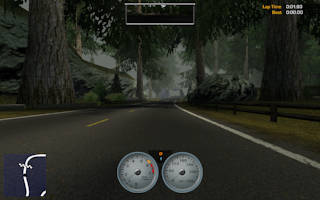
A trip down the memory lane#
Sometime back in 2010, I had a weird idea of making a bunch of recording of me playing HP2 with Fraps, then put them into Adobe Premiere and make some videos.
I guess I wanted to upload them to some blog or Jewtube, but I never did it.
These videos were just lying around on my HDD, waiting for me to do something with them.
Unfortunately, back then I had an idea of converting them to the state-of-the-opensource-art as of then video codec, namely Theora, in pretty crap quality, and throwing the original render out.
Fortunately I found the original Fraps recordings and the Premiere project, but getting a better quality video out of them wasn't that easy.
First, I had to soon realize I made Fraps captures at 25 FPS, so say goodbye to fluid motions.
I also run the game at this point mostly at 4:3 resolutions, since there was probably no widescreen patch for HP2 back then (hp2wsfix had its first release in 2019), except one case when I ran the game at a widescreen resolution, stretching everything.
And here comes said video, originally recorded in the glorious 1440x900 resolution, where I didn't have to mess around with Premiere, since it was easier to recreate it with FFmpeg (plus I had to fix the aspect ratio anyway, back in 2010 I converted it to 16:9, when it should be something more like 2.
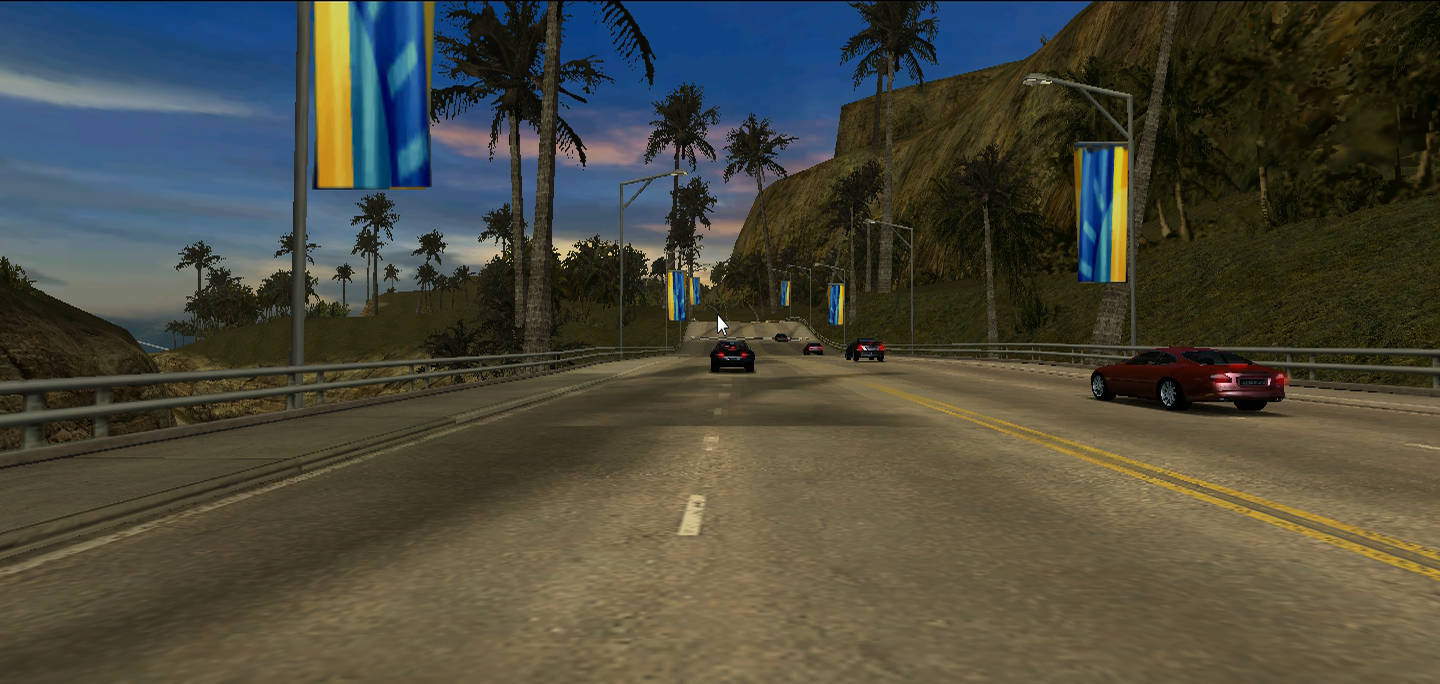
Back in the time, I saved this video as overtake.ogv, so I guess it was meant to show how to overtake in this game.
But there's not much to show, AI is real lackluster in this game, to not win in this game you either have to be real unlucky with the police, or lose on purpose.
The rest of the videos wasn't so easy, I needed to get a working Adobe Premiere CS5. I did this months ago, so some details might be off, but the gist was:
>get adobe premiere cs5 from archive.
>try to open project, get cryptic error: "This project contained a sequence that could not be opened. No sequence preview preset file or codec could be associated with this sequence type."
>search internet, mostly useless advice, what works is to import from the menu instead of opening it
>wtf.
>look around the imported project, oh I also need after effects
>start over, get the full creative suite instead (only 13.
>unlike the normal adobe premiere cs5, the adobe premiere in adobe cs5 can open the project file...
>in the meantime I converted the fraps files to lossless h264, so it takes less space. of course adobe garbage can't open it
>mess around with video codecs, install ffdshow, etc, nothing works
>give up, just convert everything to huffyuv, and don't care about filesize
>finally it opens and plays back the video
>at the start the font is bad and boxart is missing
>find DejaVu font for windows, retry
>boxart is still missing
>open the title editor, it shows the file as missing
>retarded premiere, when you open a project and it can't find a file, it'll ask for its location, except when it's a file inside a title
>all you get is a tiny little ! sign in the lower right corner of the screen, and even that only if you scroll the timeline so the title is visible!!!
>tableflip
>manually fix all the titles...
>everything looks ok
>wait a minute, why doesn't the after effects part have sound?
>open the after effects project, it says no quicktime installed, whatever
>video loads, but why no sound?
>try lot of things, nothing work
>maybe I need that quicktime after all?
>in that fucking 13.
>ok, find an old quicktime version that still supports win7
>good news, apple dropped windows support many years ago, so the last version still supports win7
>install quicktime, retry
>IT HAS SOUND
>fucking adobe after effects can't load a fucking PCM 16-bit stereo audio track without a fucking quicktime bloat
>adobe premiere, a software in the same fucking bundle from the same fucking company somehow manages to do this feat without a fucking quicktime dependency
>by the way, even win98 could do it out of the box
>finally everything works, try to export it
>don't expect it to be able to export lossless h264
>after some messing around finally manage to export them to huge rgb huffyuv files
>move those videos back to linux and encode it to lossless h264 with ffmpeg and throw this dumpster fire vm out
I fucking hate proprietary software. Fucking garbage, all of them, no exceptions.
Anyway, back to the actual videos. First one is, guess what, about the intro video. Looks like I had a thing about unrealistic intro videos even back then.
And non-existent driving skills, same as ever. Next is a small video of the be the cop mode:
As I mentioned above, just ram the drivers a few times, and they're done. Finally, a video I simply called mix, an assortment of random videos (and a slight epilepsy warning) put into one.
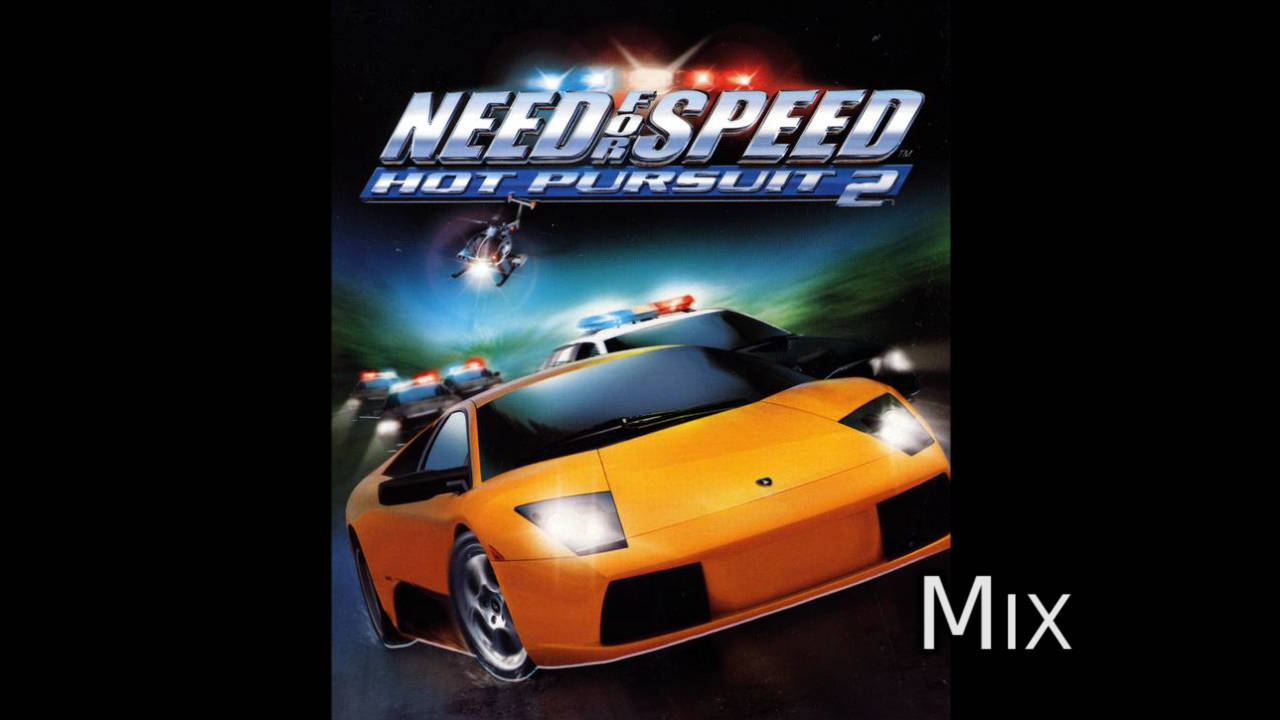
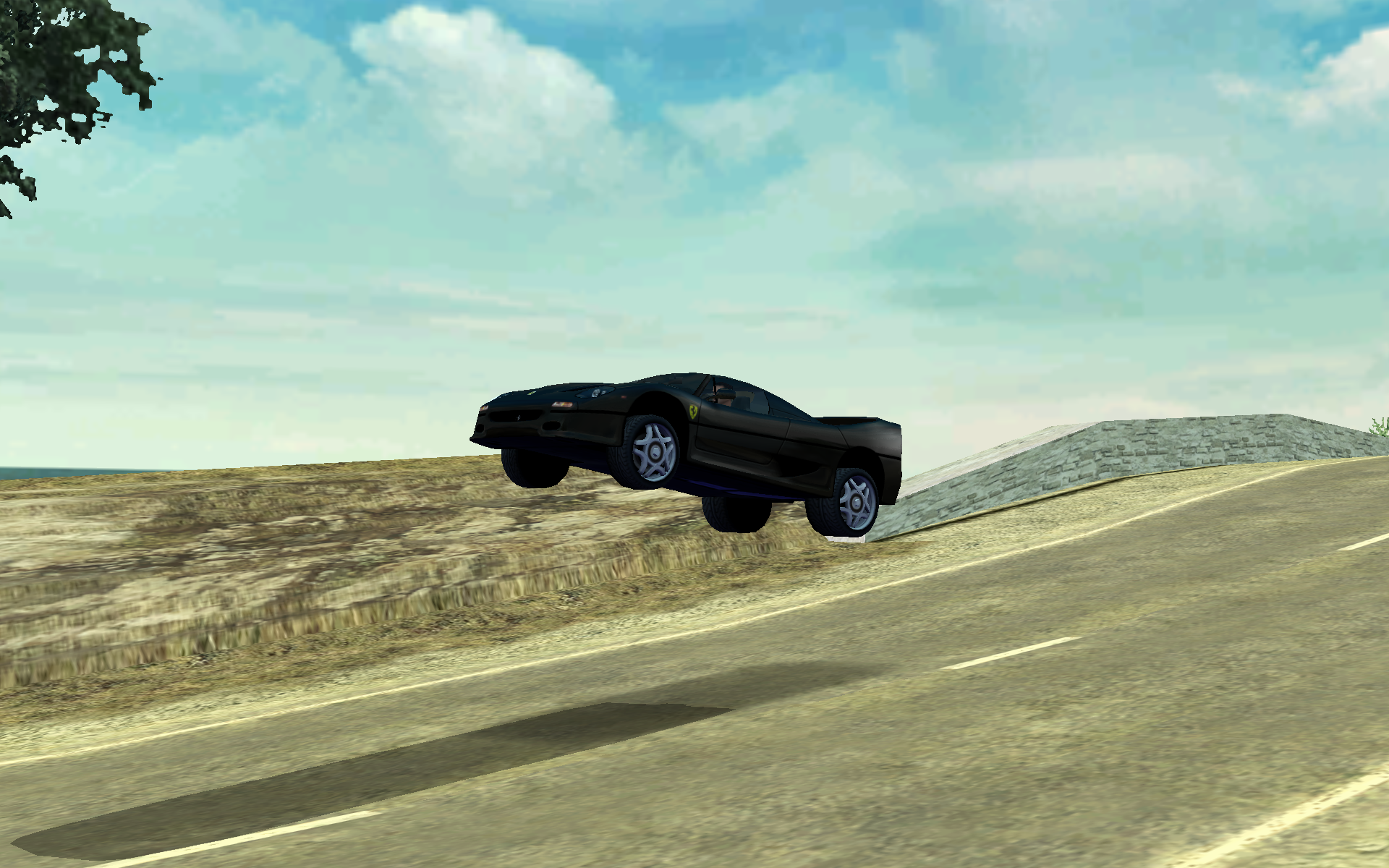
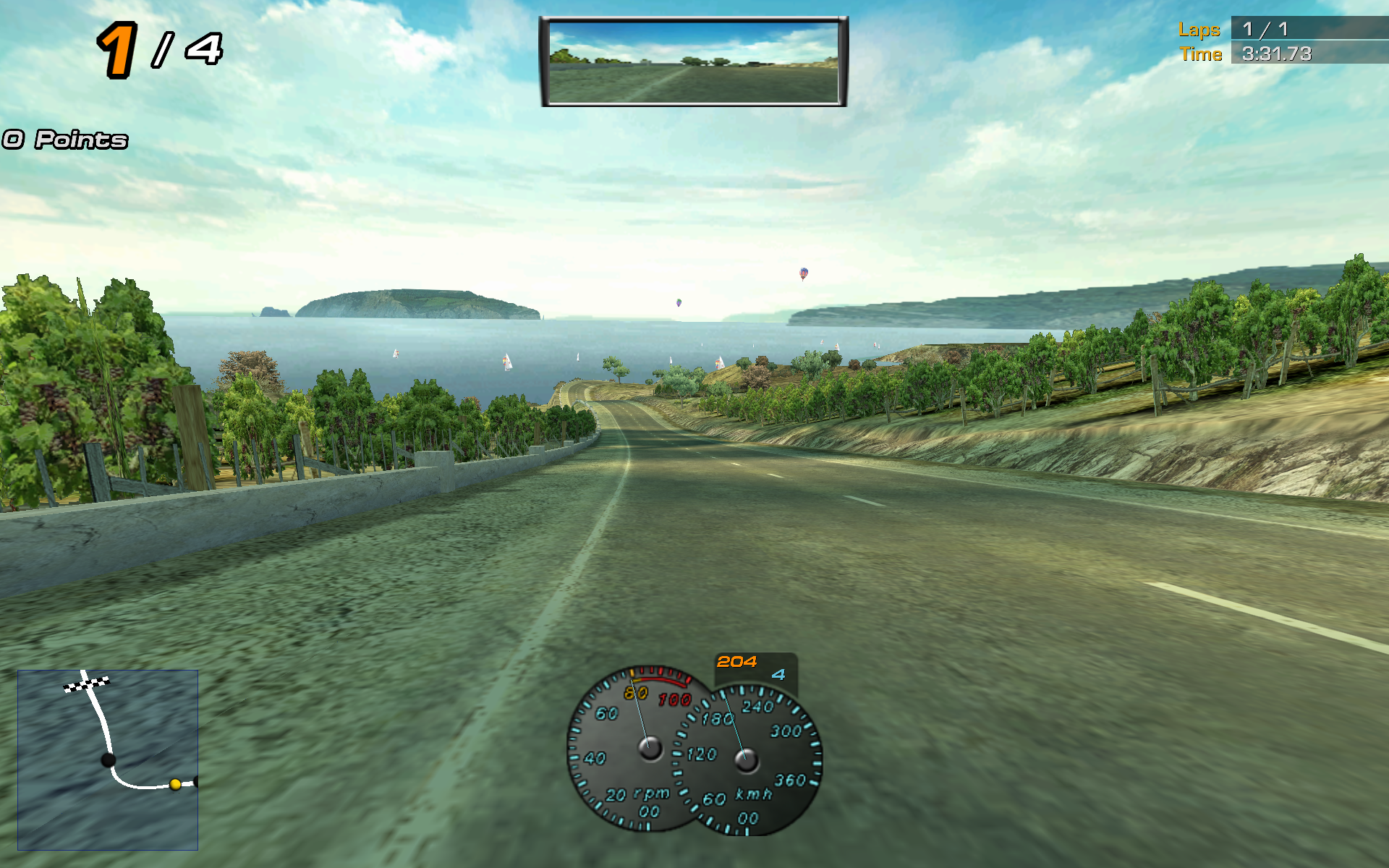
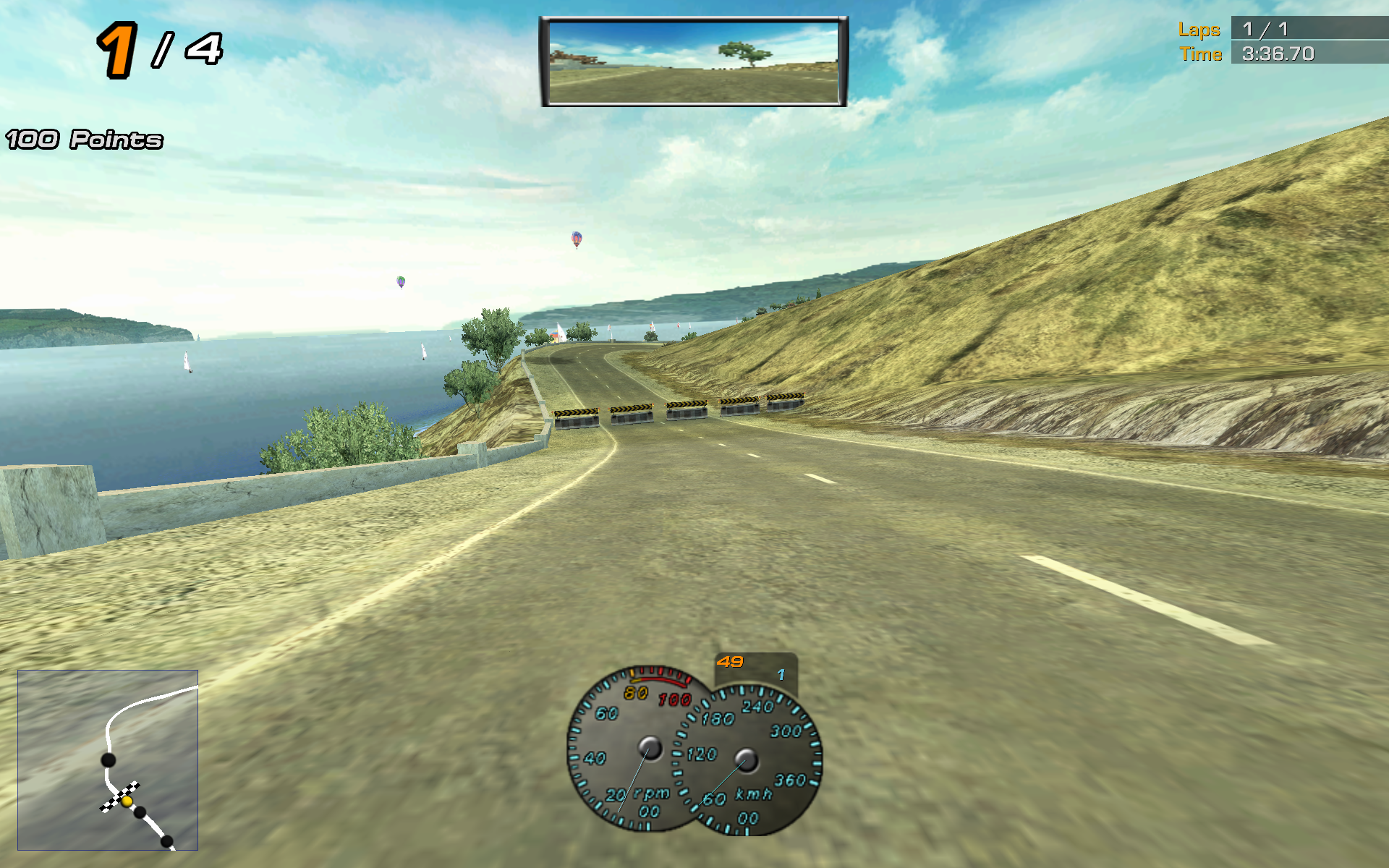
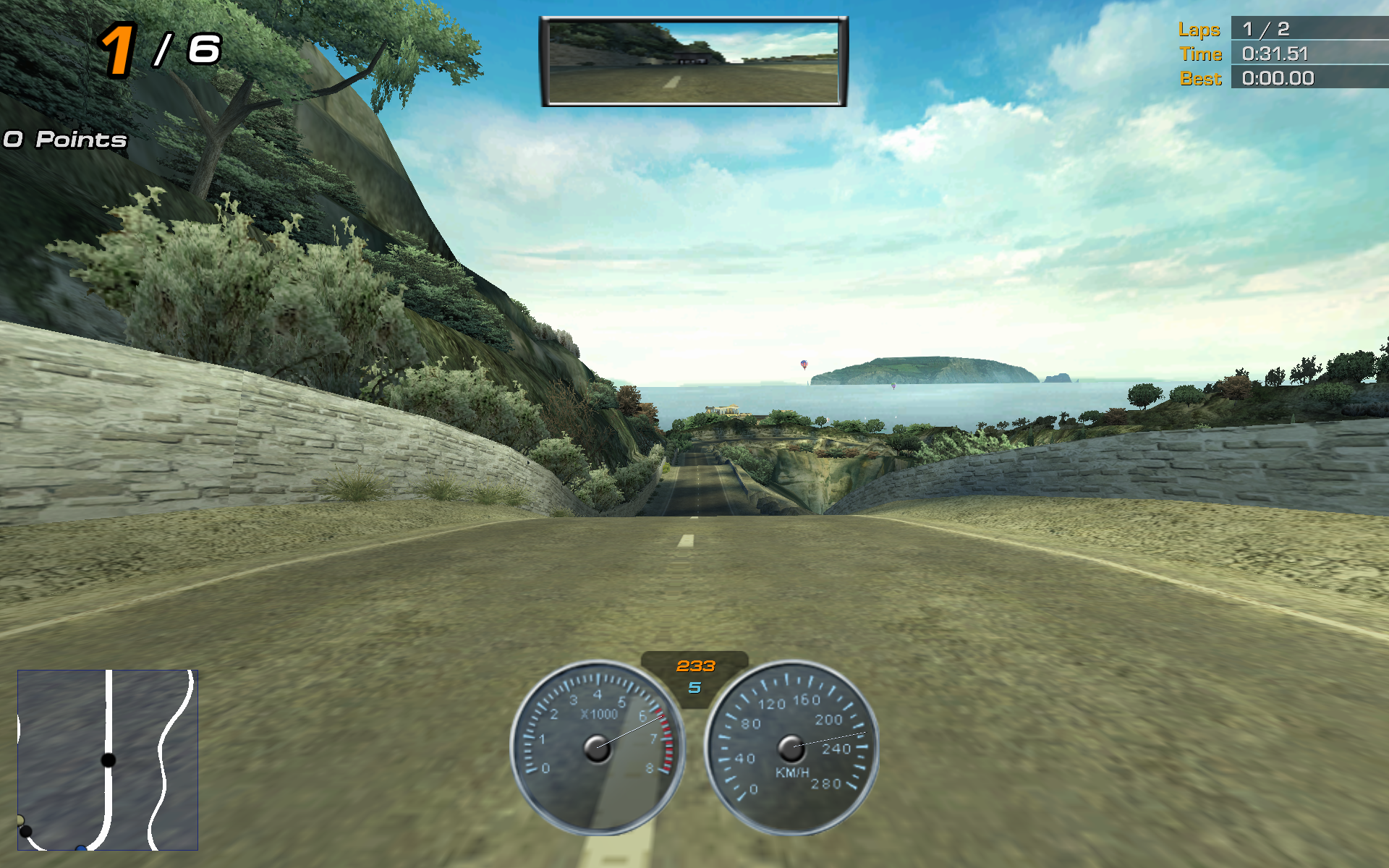
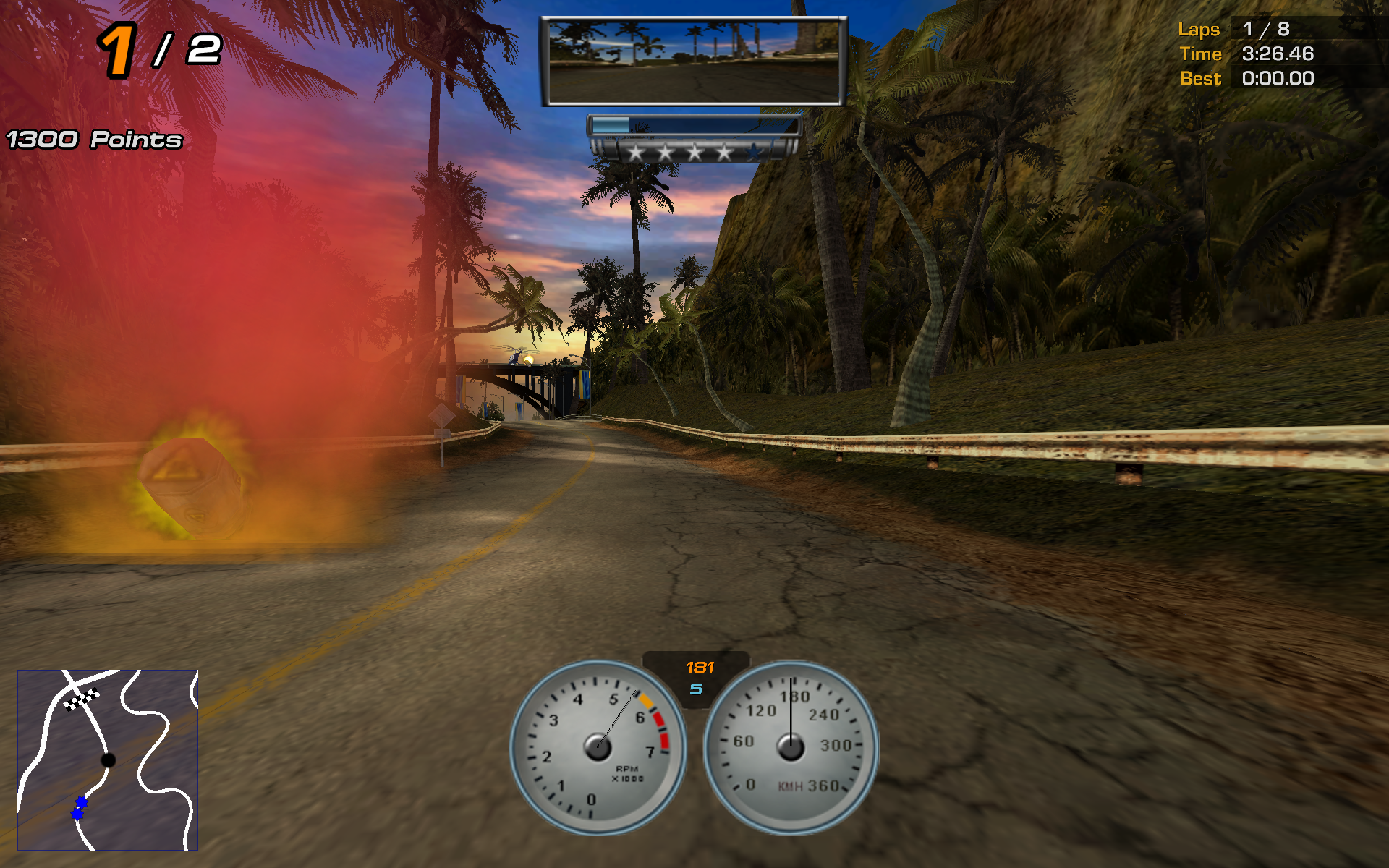
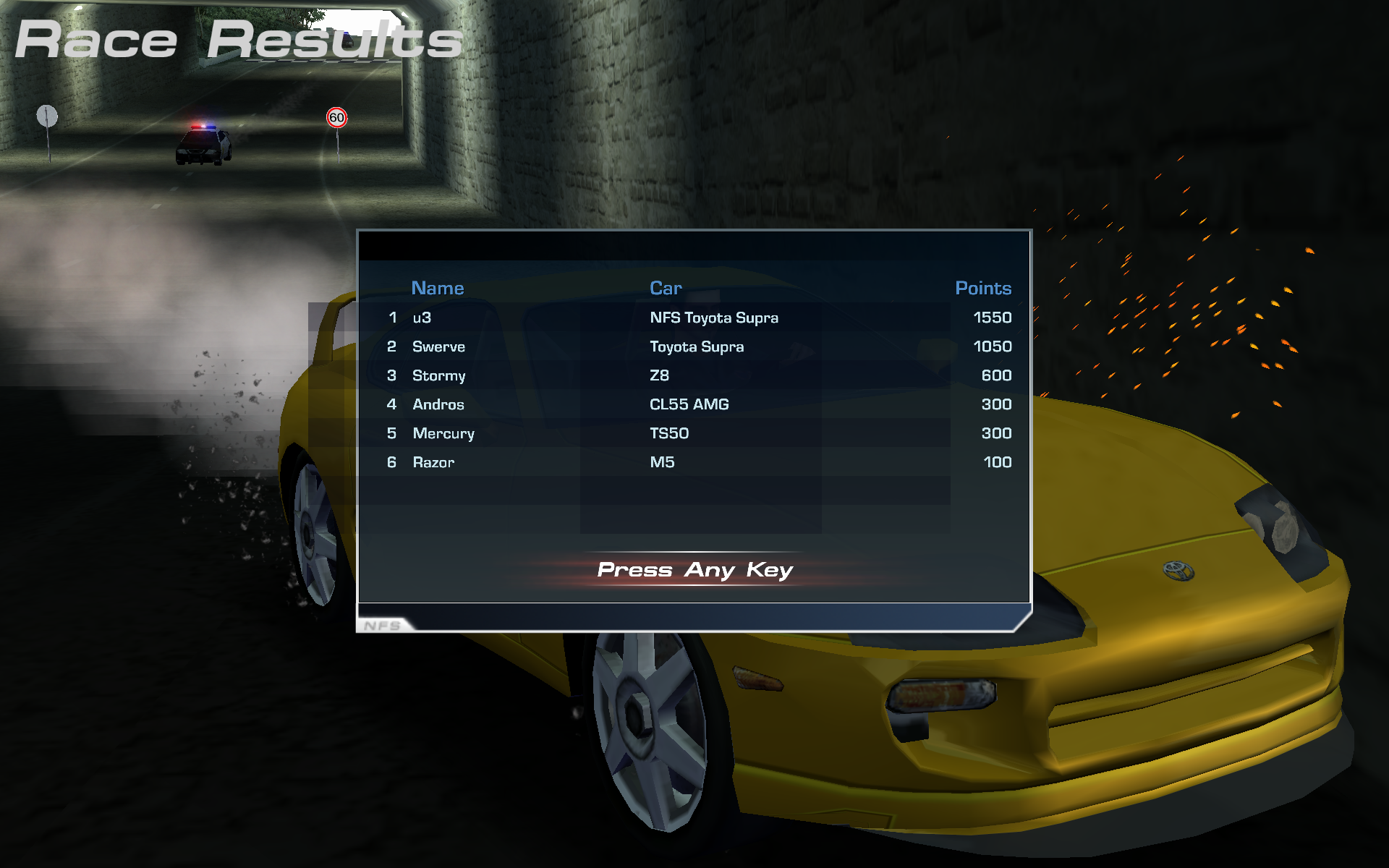
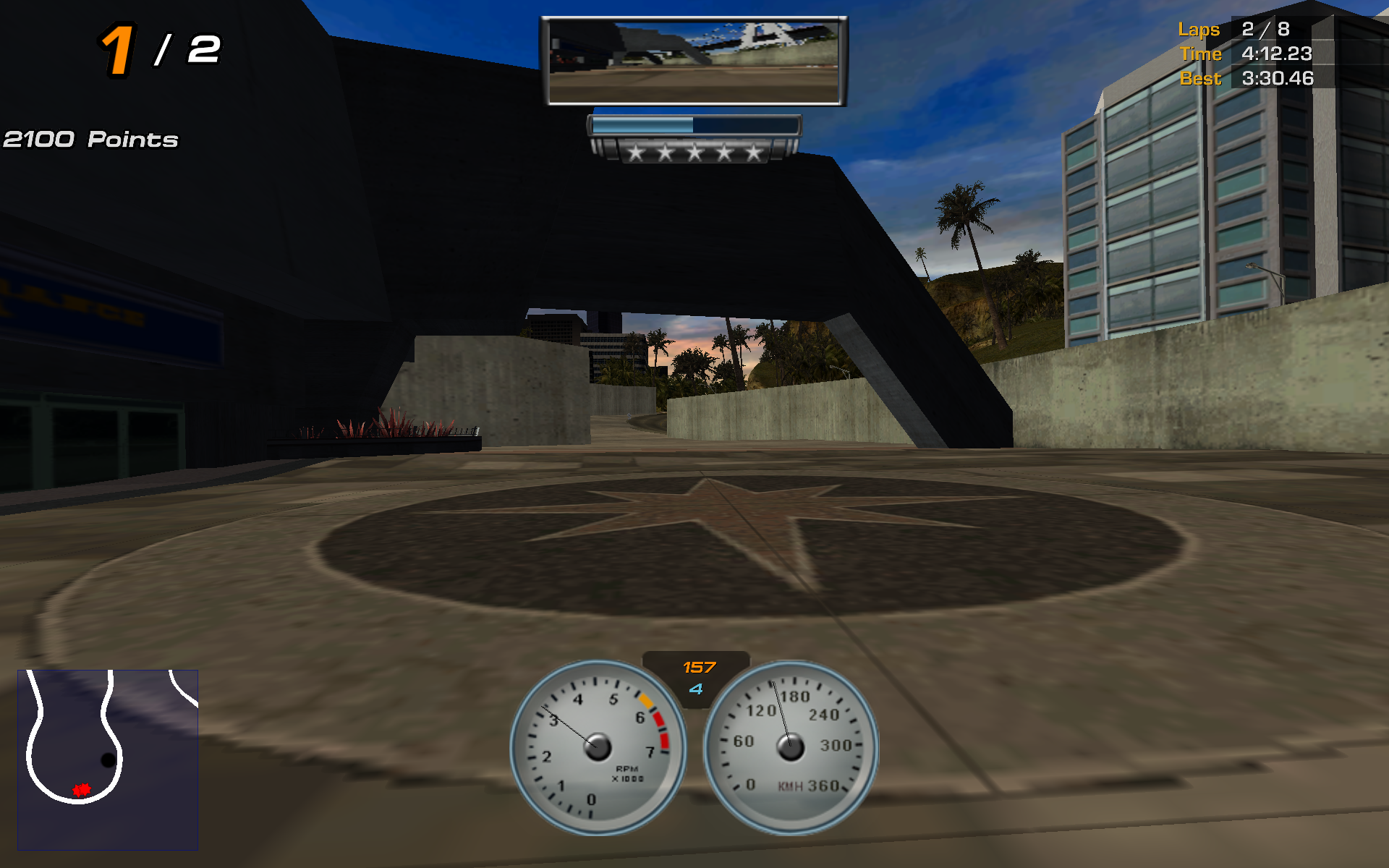
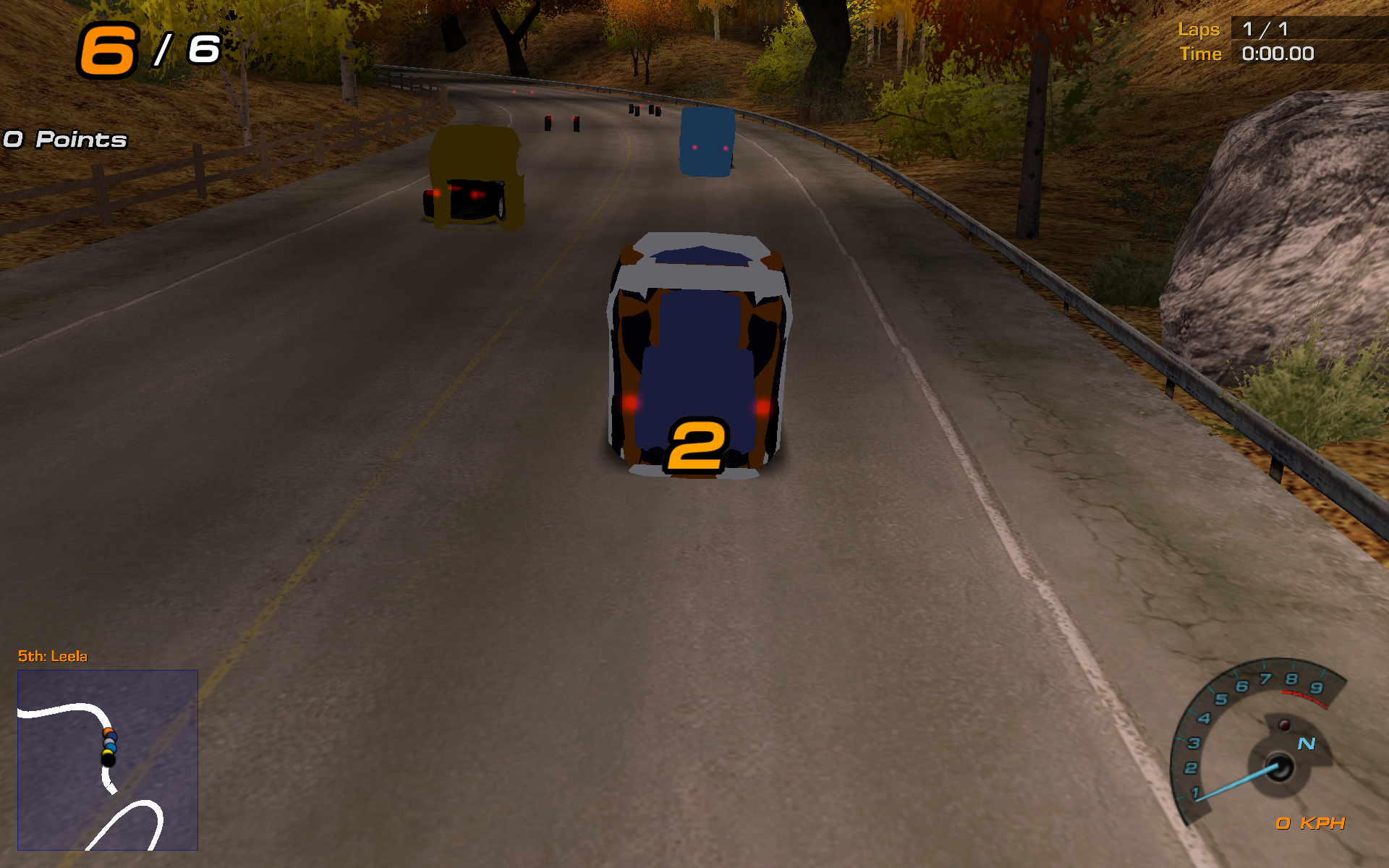
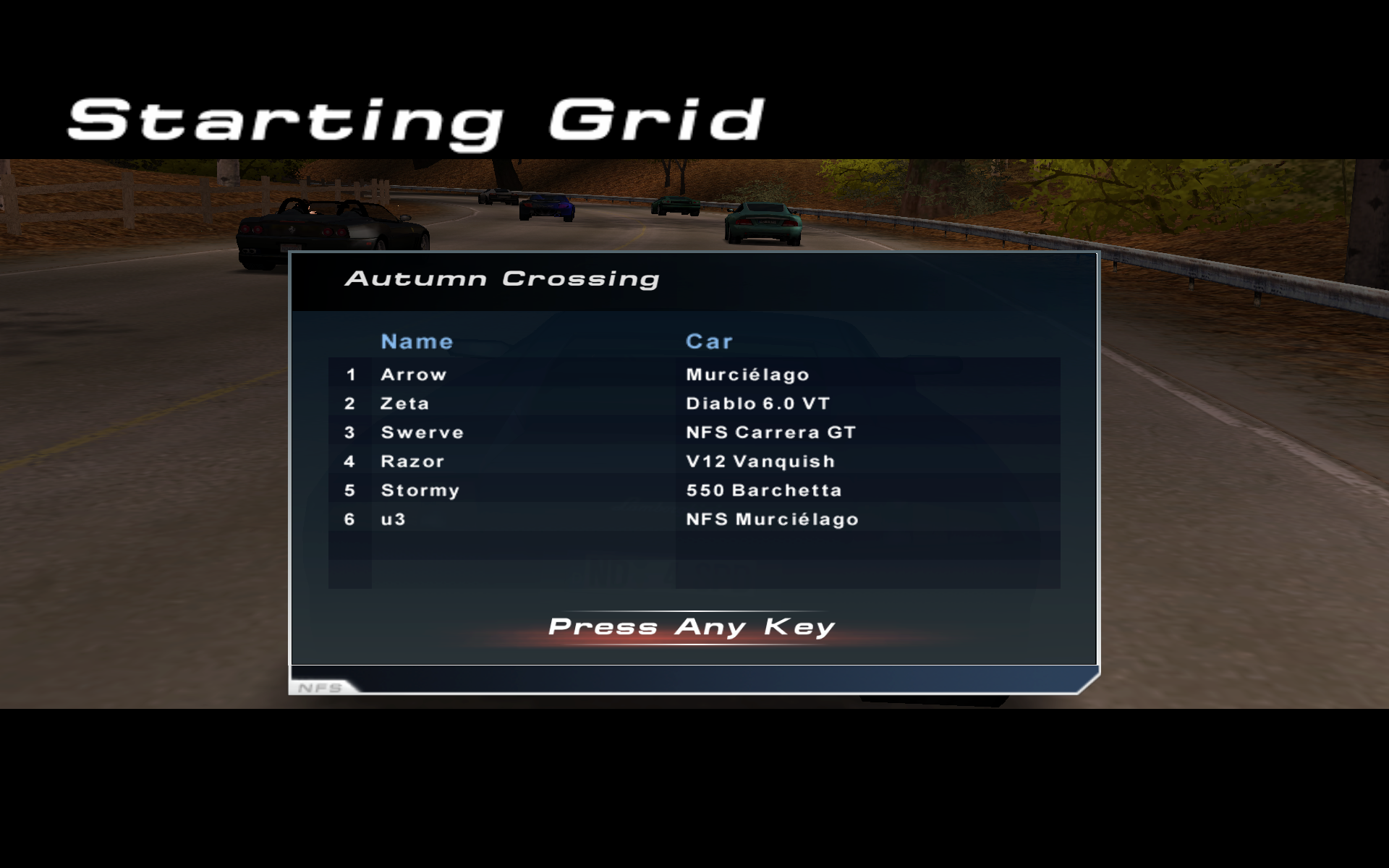
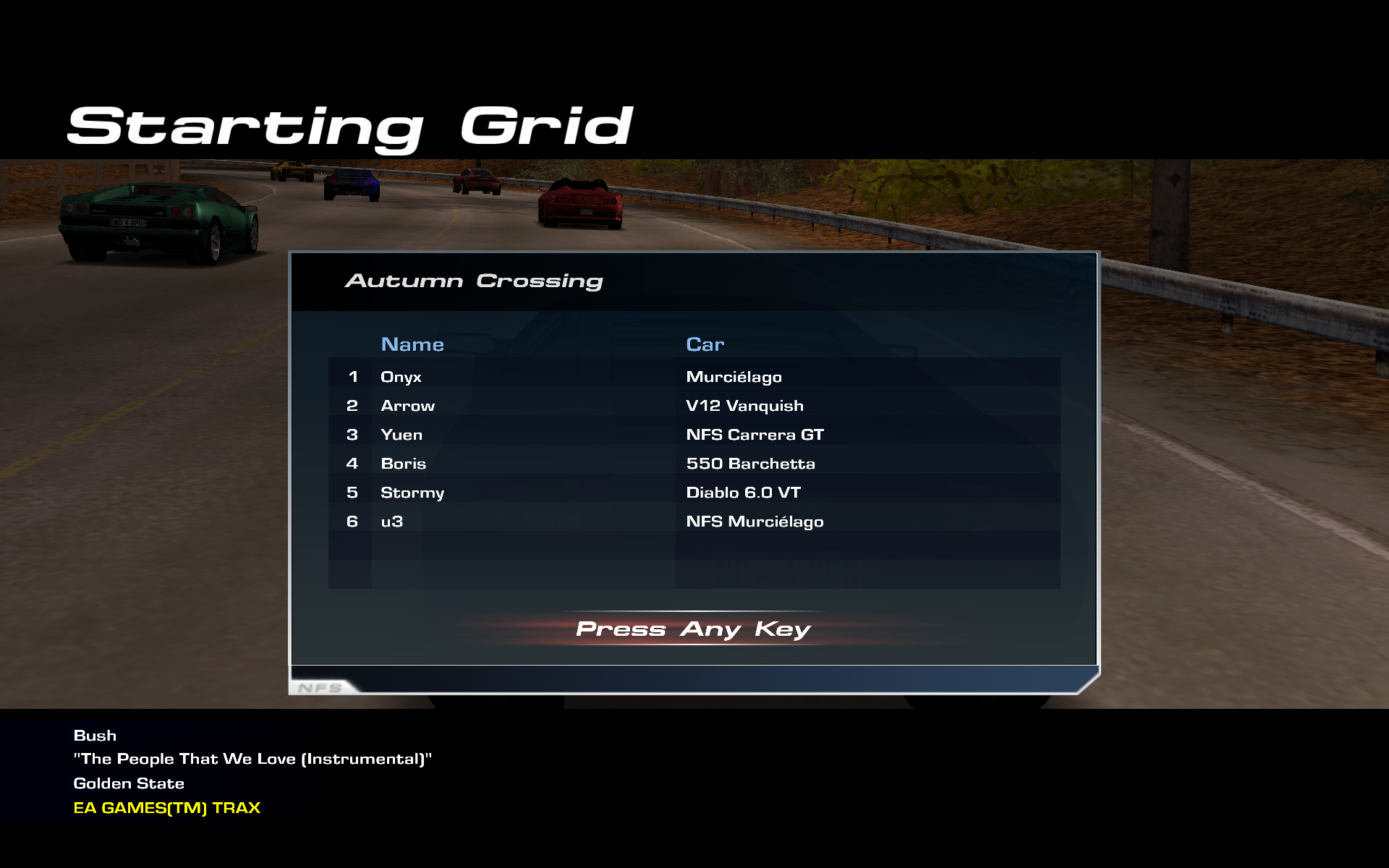
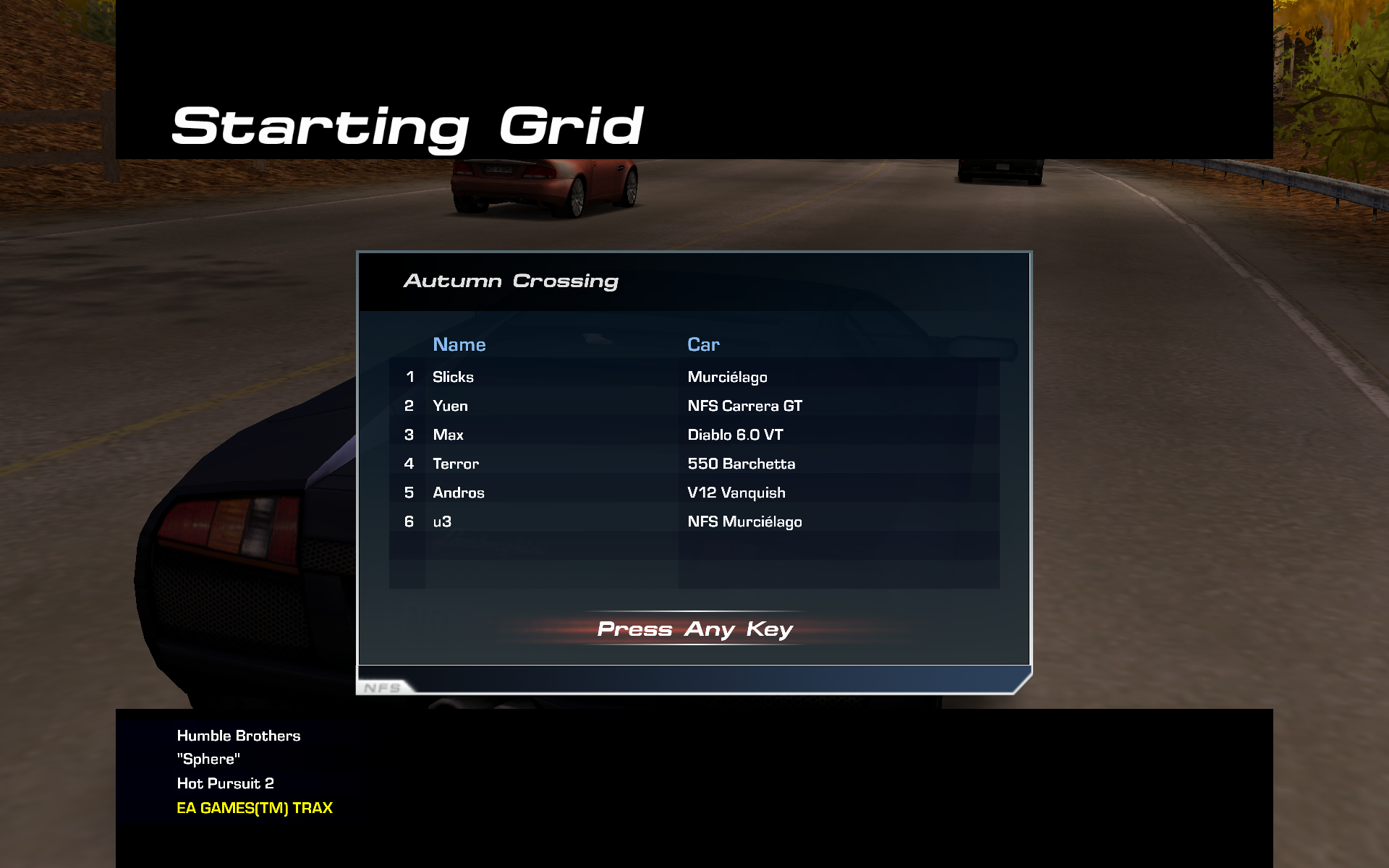
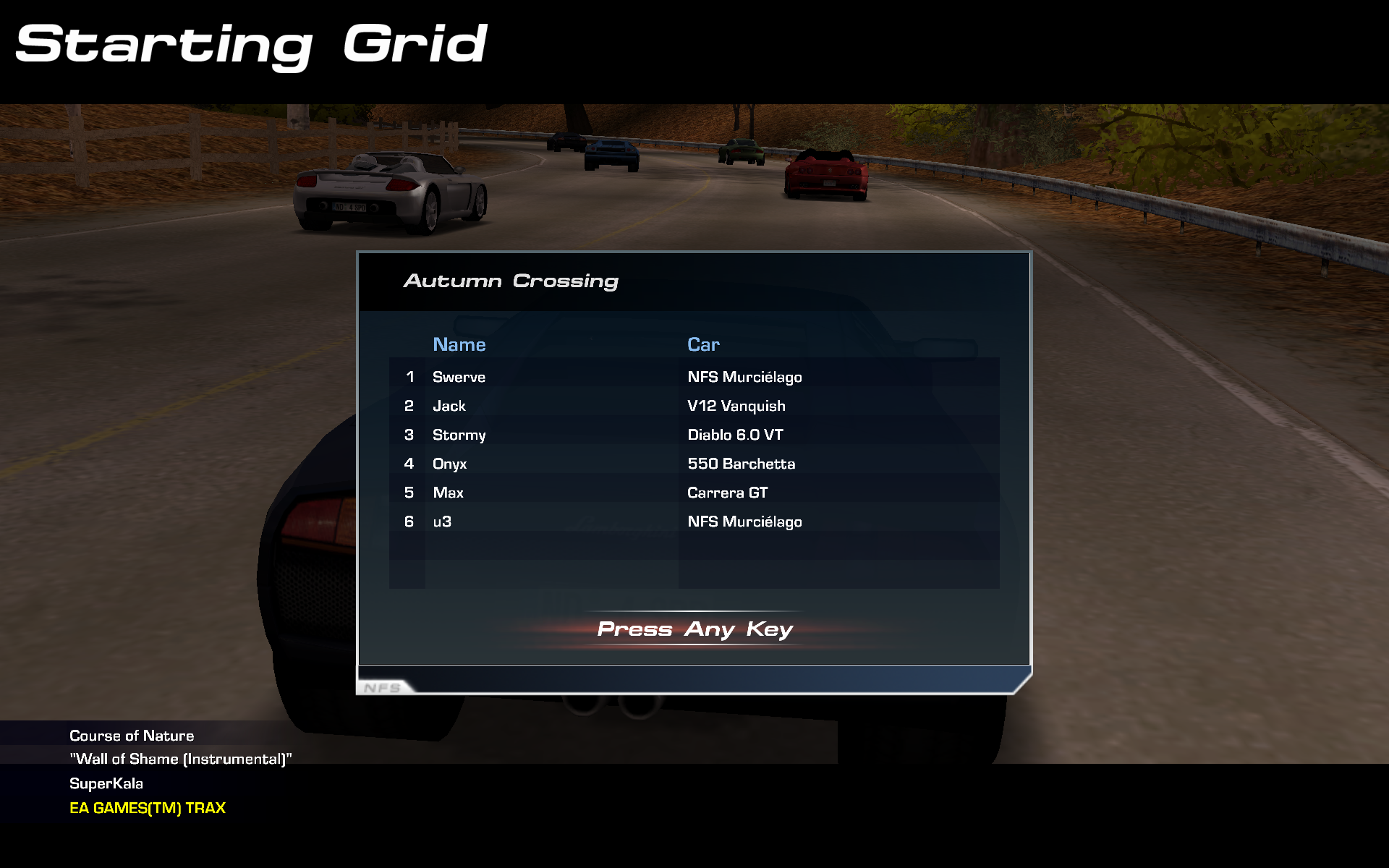
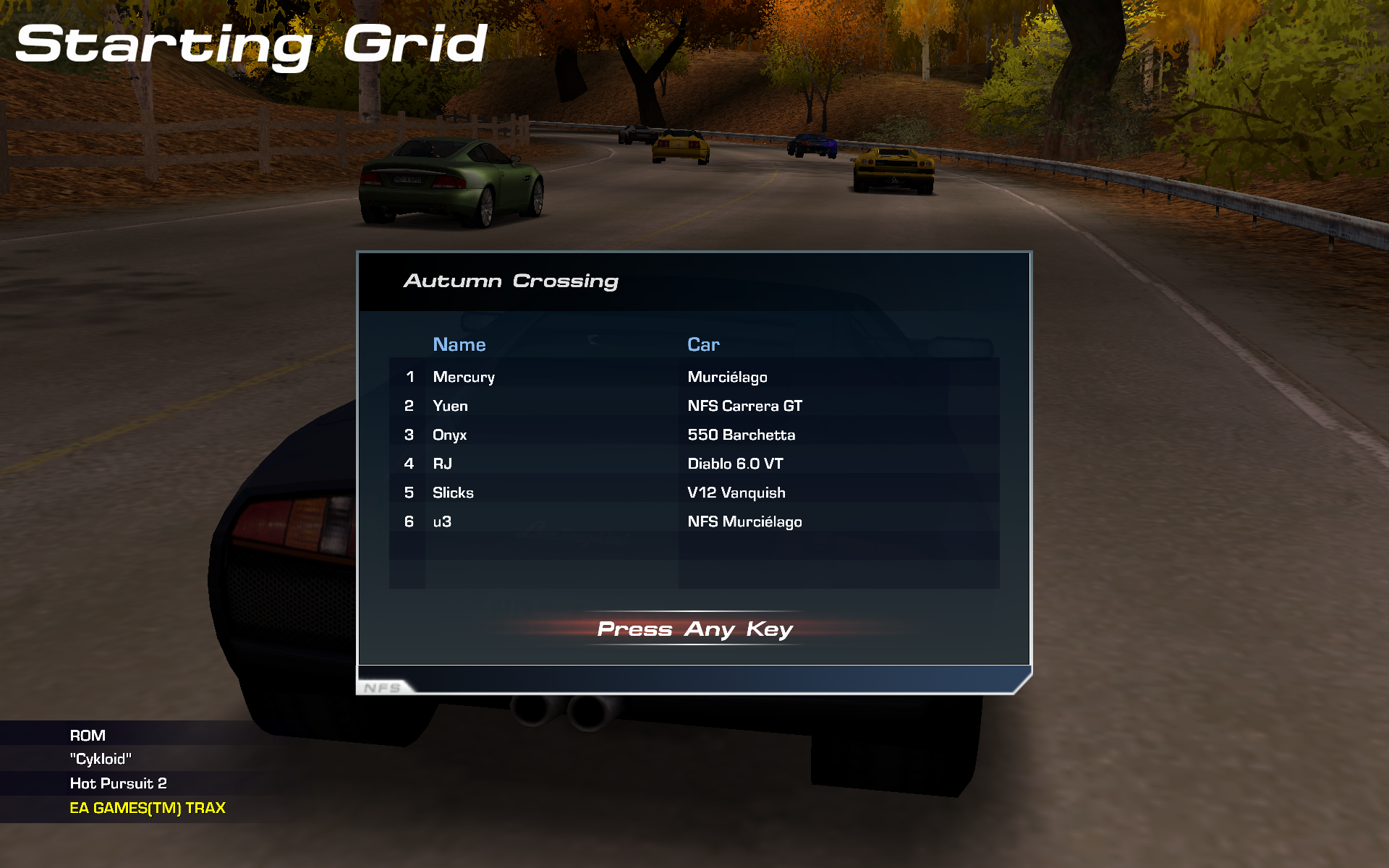
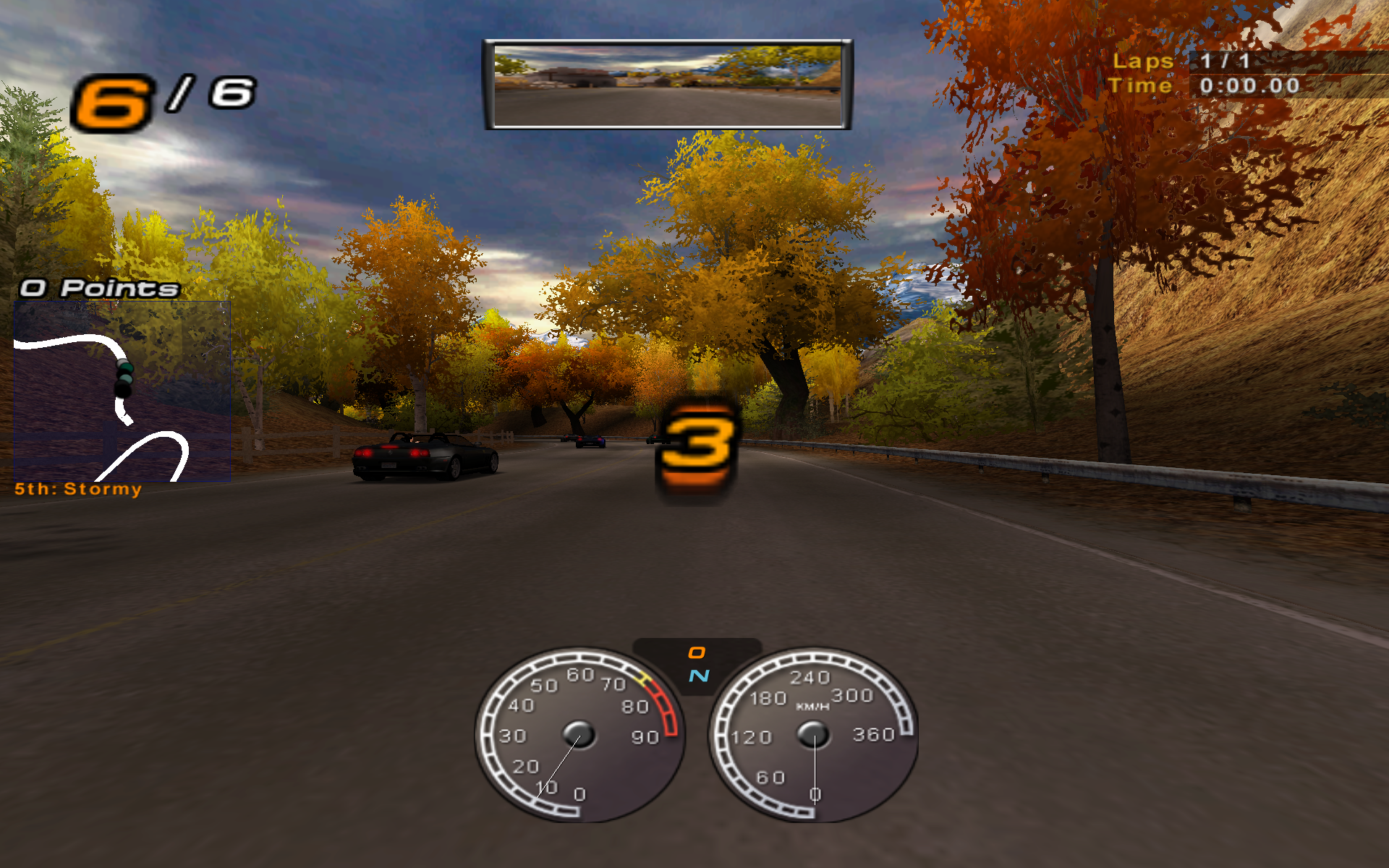
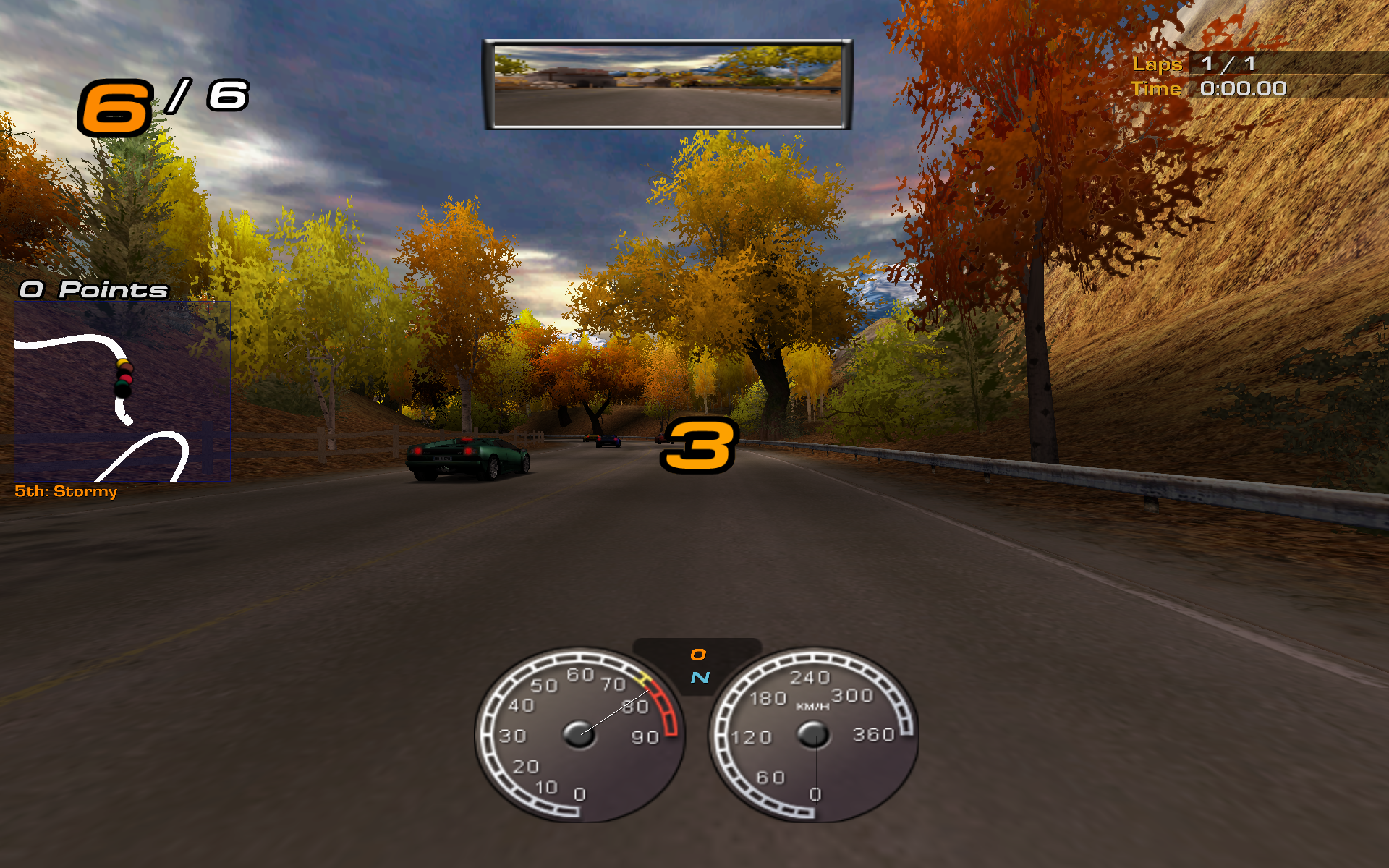
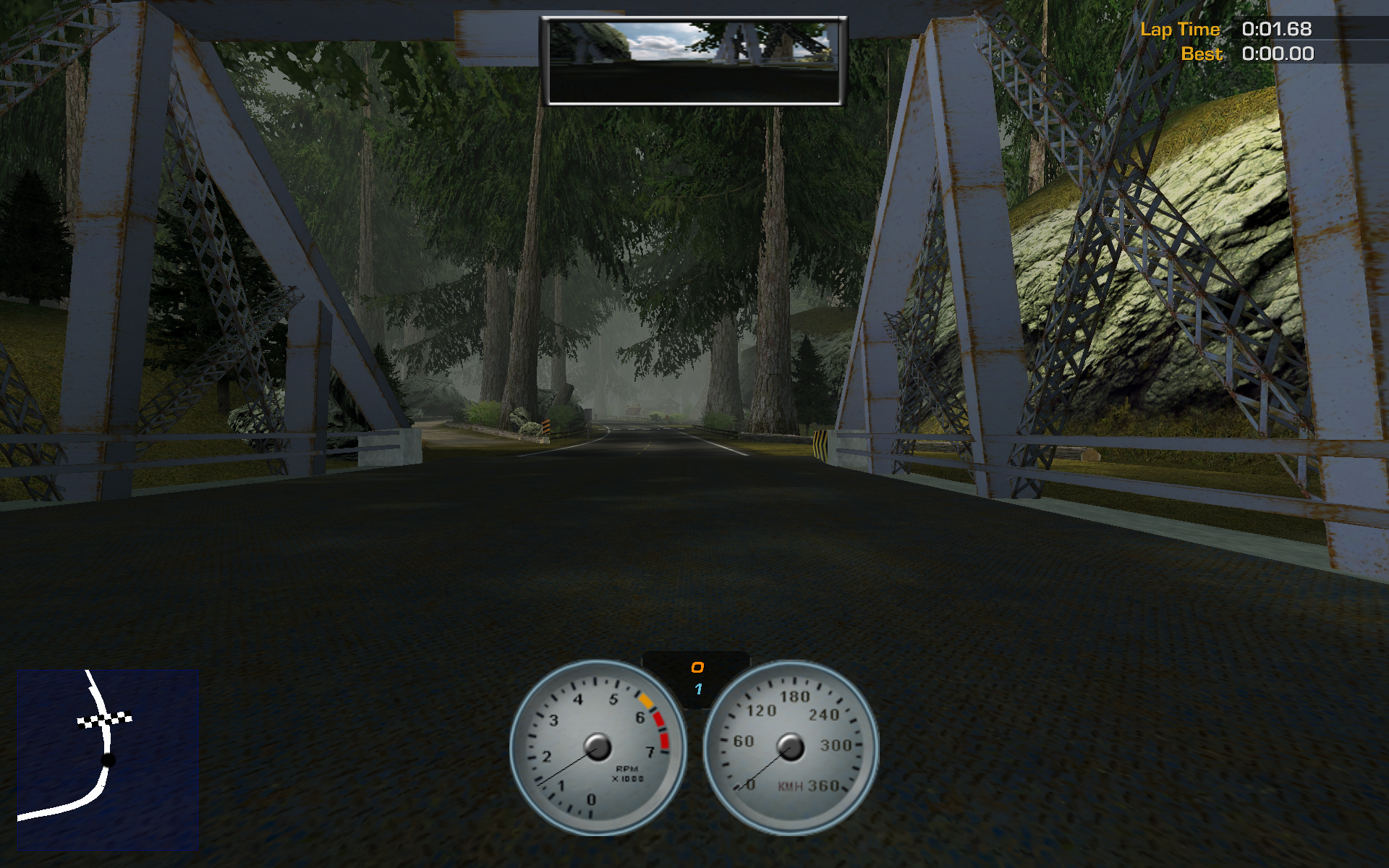
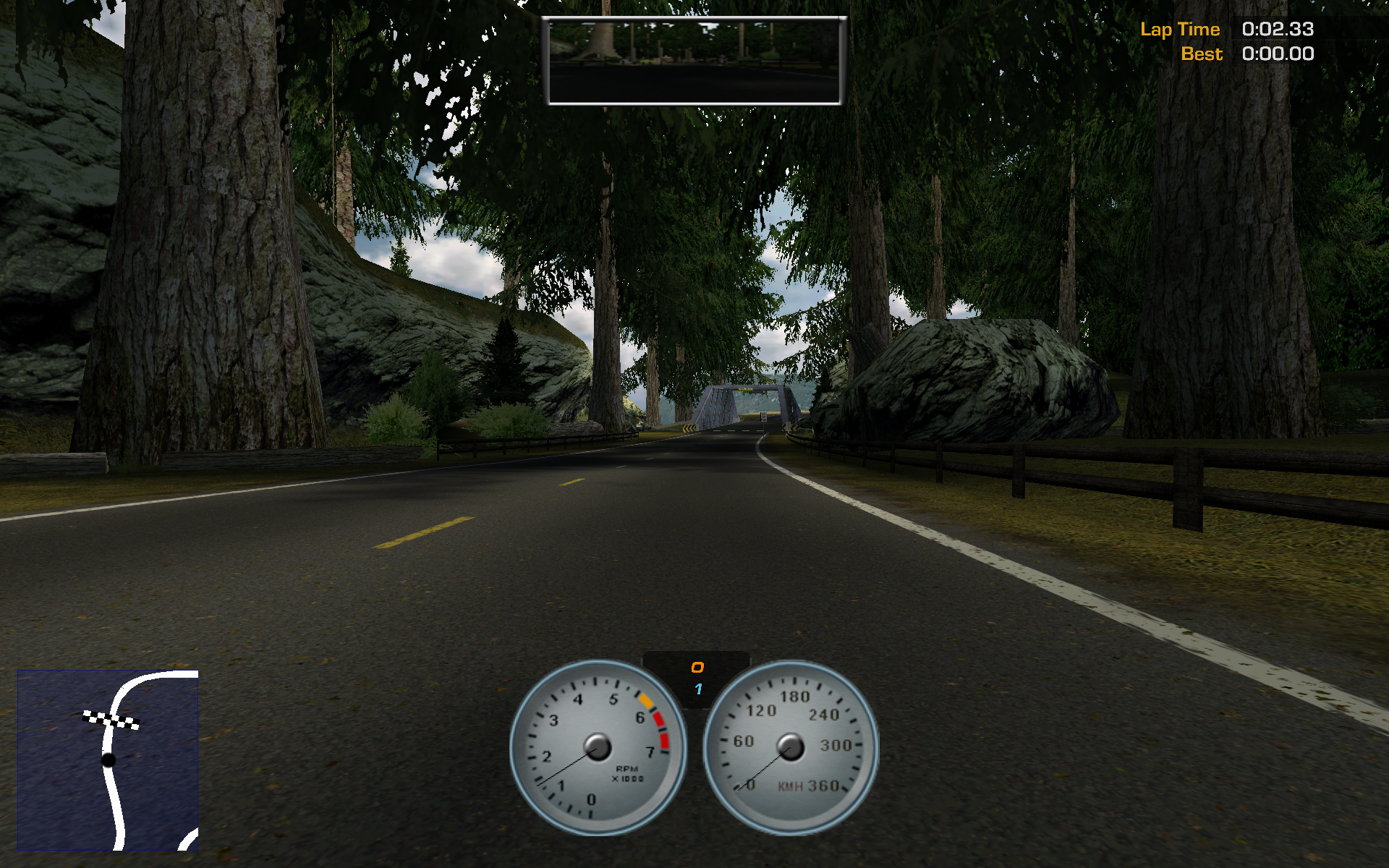
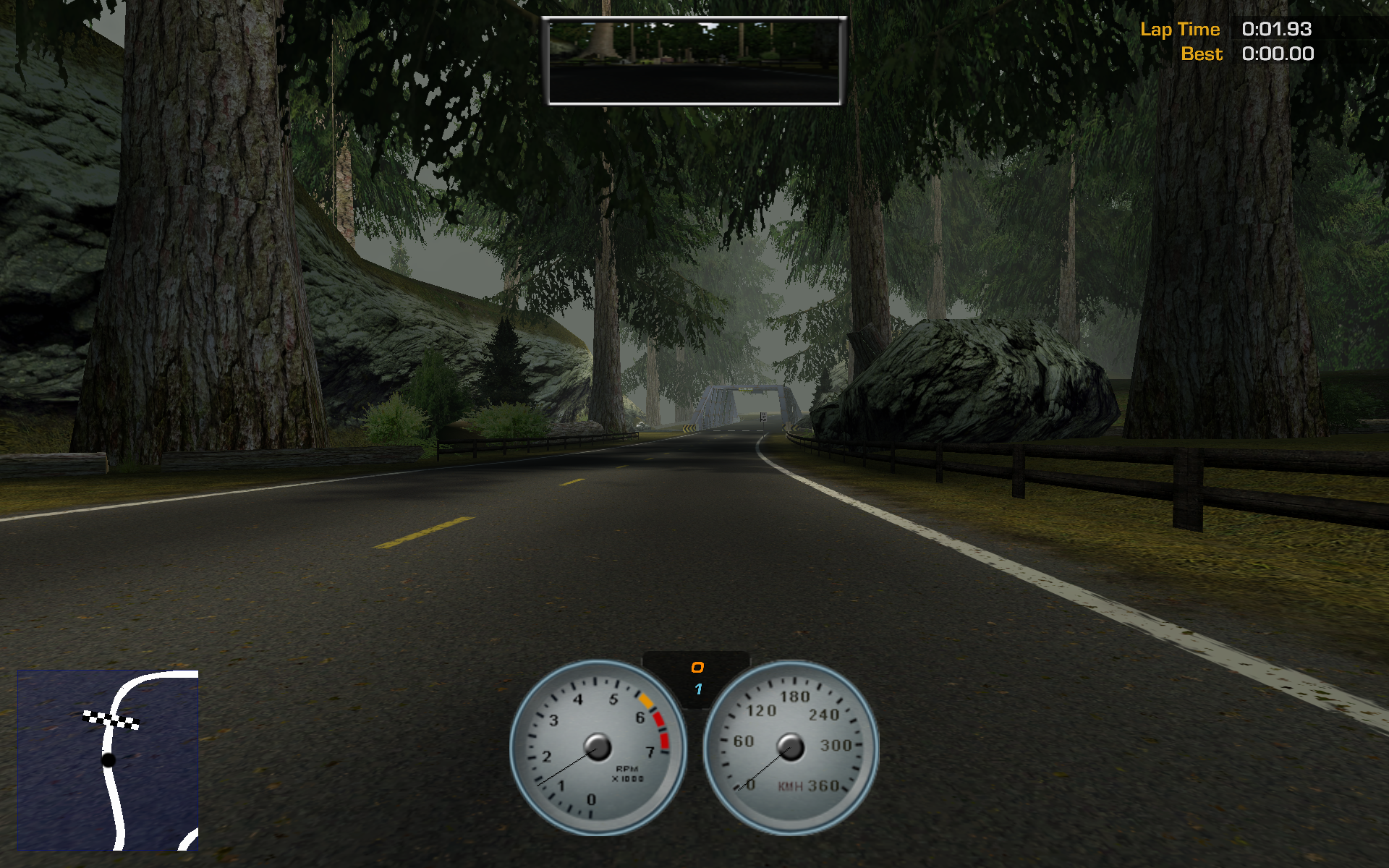
If you want to ask why am I doing the 360s in the dirt instead of the road, the answer is I was lame and could only do it there. But I don't know why did I attribute my lack of driving skills to game glitches... (And I'm not talking about the clipping through wall around 1:42, it's an annoying bug of the game) I also don't know where did I get all these busted videos, did I get busted on purpose? For some reason, I have a feeling the answer is no...
Files#
| File | Description | Size |
|---|---|---|
| NFSHP2_patch242.zip | Official 242 patch | 999.5 KiB |
| ReleasePack.zip | hp2wsfix github release | 1.032 MiB |
| definitions.ini | Fixed joystick definitions for the virtual joystick | 29.01 KiB |
| dinocd_nfshp2_242.rar | No-CD crack for 242 | 1.084 MiB |
| dsoal-r444.7z | DSOAL Windows binary from vaporeon.io | 786.1 KiB |
| dxvk_fog.patch | Patch to fix fog under D8VK | 568 bytes |
| hd_font.tar.xz | HD Font Pack from hp2wsfix | 342.3 KiB |
| hp2_patch.tar.xz | The files the 242 patch installs | 2.597 MiB |
| hp2wsfix.ini | My personal hp2wsfix config | 1.348 KiB |
| lod.ini | Modified EAGL/lod.ini | 3.569 KiB |
| mount.rb | Scripts to mount mods | 2.541 KiB |
| textpatch.rb | Scripts to mount mods | 2.710 KiB |
| Total | 6.830 MiB |